Supercharger Site Maps
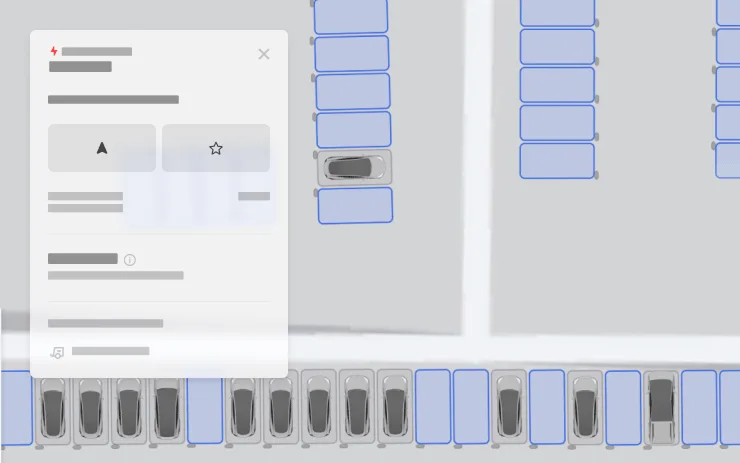
You can now see a detailed view of select Tesla Superchargers by tapping "View Site Map." When navigating to a pilot location, the site layout and live occupancy (Available / Occupied / Down) will be displayed upon arrival.
What you would gain
No matching version.

You can now see a detailed view of select Tesla Superchargers by tapping "View Site Map." When navigating to a pilot location, the site layout and live occupancy (Available / Occupied / Down) will be displayed upon arrival.

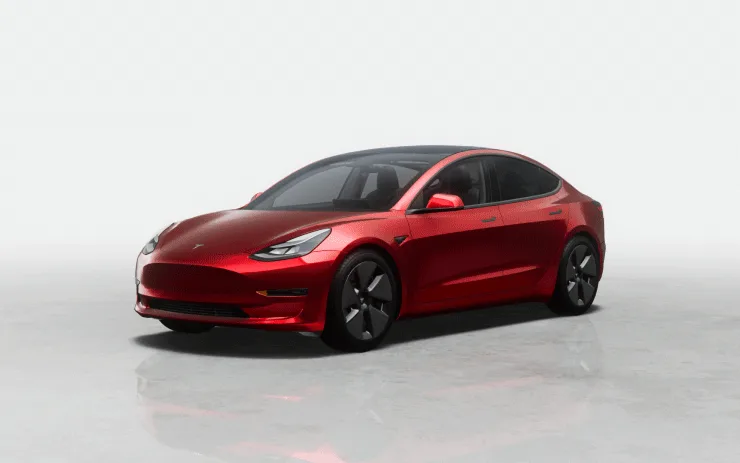
The center display now features higher quality images of your Tesla, and an enhanced park scene environment.

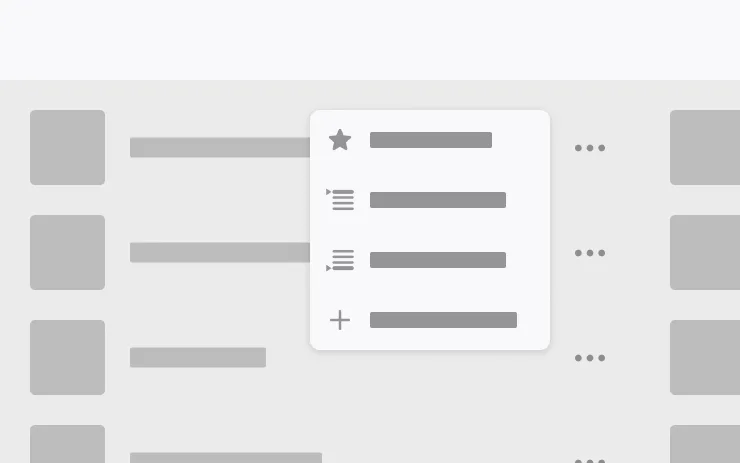
Add songs to your Apple Music queue directly from Search results and Artist pages. Tap and hold a song, or tap the three-dot menu to play next, add to queue, save to your library, or mark as a favorite. Requires an active Apple Music subscription.

This software update includes the remedy for EU Recall Submission 2026_103555. It restores compliance with UNECE Regulation No. 135.
After this update installs successfully, you do not need to take any further action for this recall. No service visit is required.

Choose from new wheel options to customize the appearance of your Tesla.


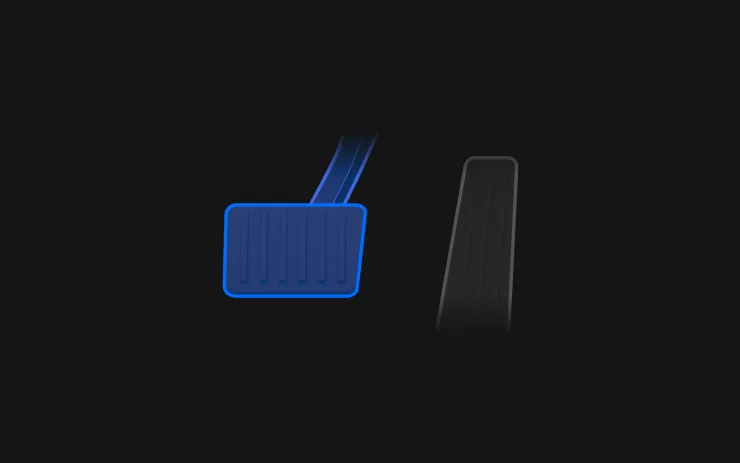
Brake Confirm for the Start Self-Driving button is now defaulted off. When disabled, Start Self-Driving will not require you to press and release the brake to confirm engagement.
You can enable Brake Confirm in Self-Driving > Brake Confirm.

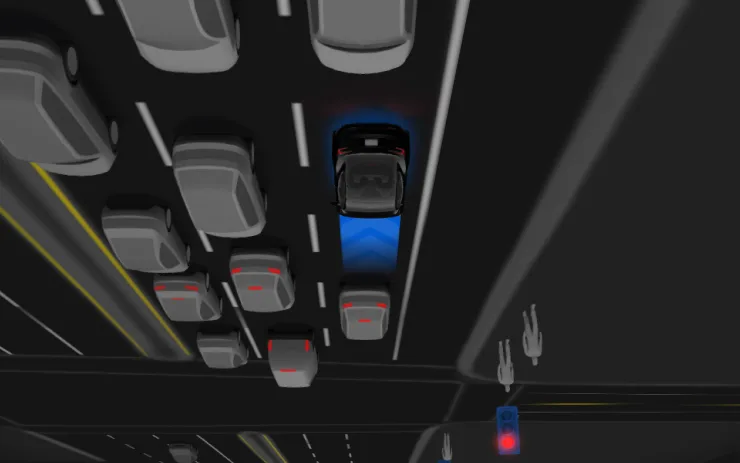
Full Self-Driving (Supervised) v14.3.9 includes:
Upcoming Improvements:

Under your supervision, Full Self-Driving (Supervised) Down Under can drive your Tesla almost anywhere. It will make lane changes, select forks to follow your navigation route, navigate around other vehicles and objects, and make left and right turns. You and anyone you authorise must use additional caution and remain attentive. It does not make your vehicle autonomous. Do not become complacent.
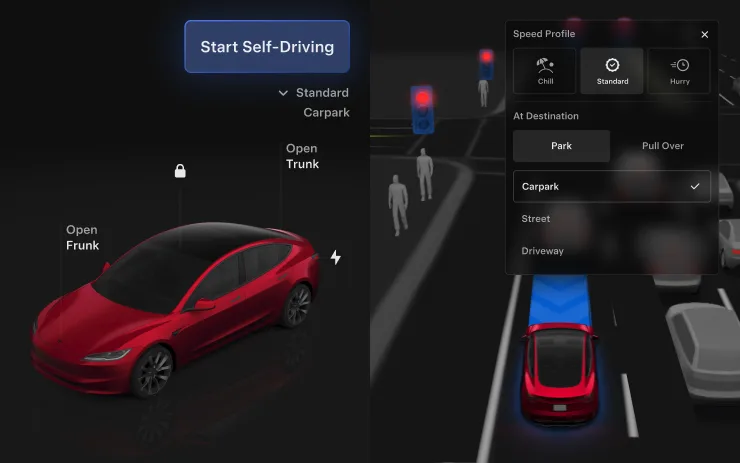
Full Self-Driving (Supervised) Down Under is enabled on your vehicle. To use the feature, press the right scroll wheel button once. You can disable Full Self-Driving (Supervised) Down Under in Self-Driving Settings.
Be aware of road conditions or hazards (such as pot holes and speed bumps) and operate the vehicle responsibly under all circumstances.

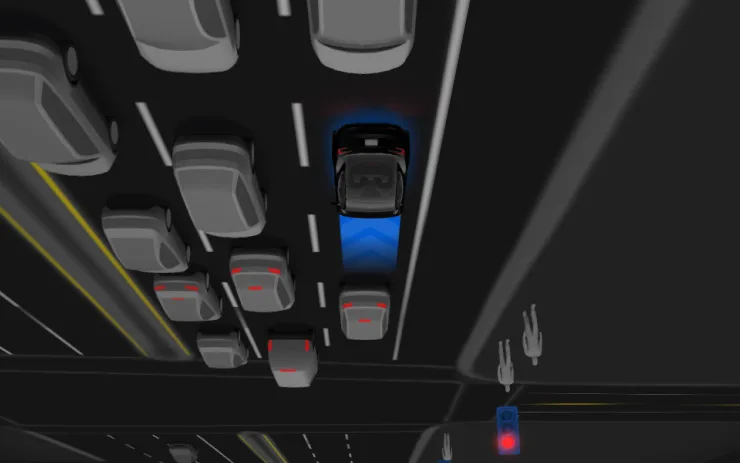
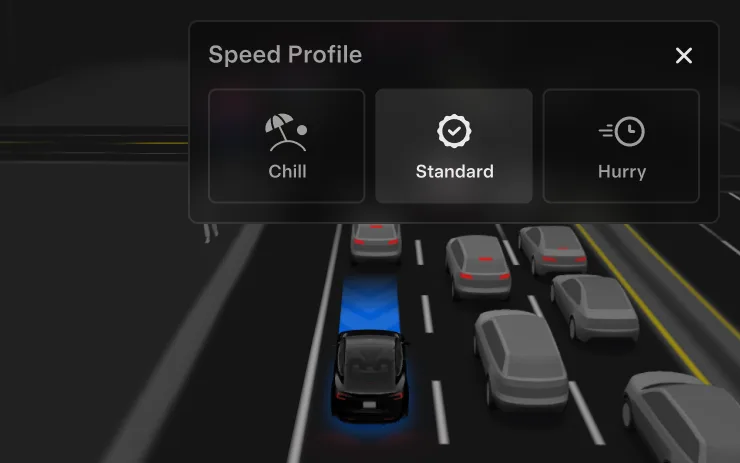
FSD (Supervised) will now determine the appropriate speed based on a mix of driver profile, speed limit, and surrounding traffic.

Also included
Rolled out across 1 release in this range.

This update includes important security fixes and improvements.

Data via Teslascope