
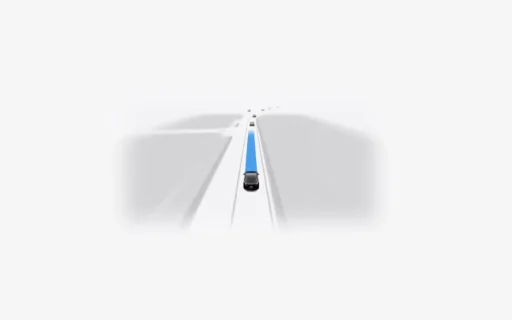
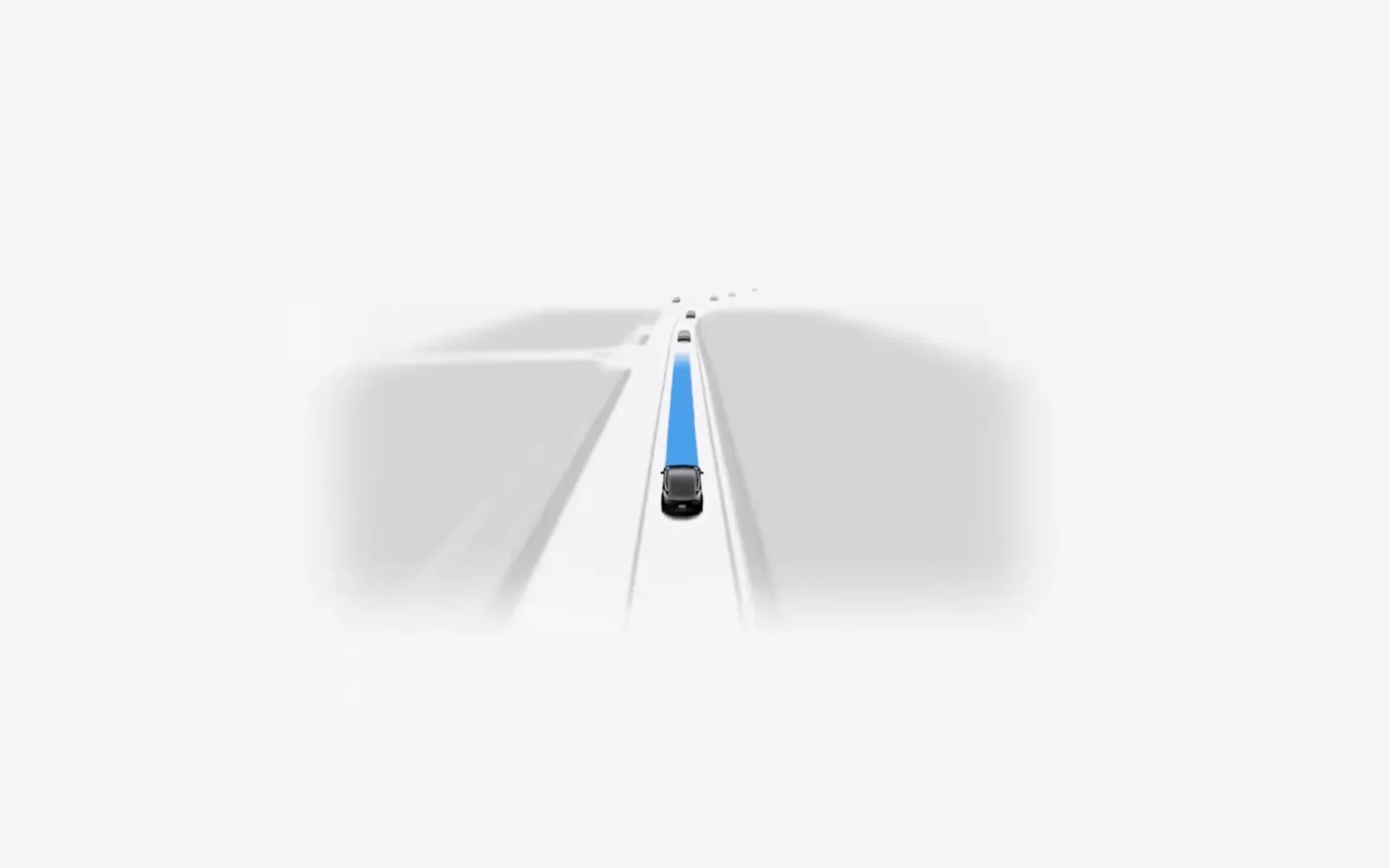

Tesla owners downloaded software update 2026.20.6.6 with FSD version 14.3.5 starting on July 13. Then drivers noticed a strange UI bug right after they tested the new parking features. A driver activates the Smart Summon feature to bring the car out of a parking spot, and the vehicle moves to their location. But the self-driving button vanishes from the center screen right after the parking maneuver ends. So drivers find themselves stuck without the ability to activate FSD for their drive home. The car simply refuses to engage the autonomy system, and the gray steering wheel icon stays hidden.

You might wonder how a major release shipped with this obvious interface flaw. Company engineers unified the highway driving and parking code into a single network for this update. And this massive code change likely caused the user interface to lose track of the car’s driving state.
Owner solutions and interior light quirks
Owners shared several easy ways to fix the missing button and restore normal function. You can manually put the car in park and wait a few seconds before you select drive again. This simple action forces the system to reset its internal state, and the FSD button reappears on the display. Drivers found another reliable workaround when they close the Tesla phone app completely and reopen it. Or a full system reboot using the steering wheel scroll wheels will fix the problem if the button stays hidden. Also, some owners report their interior cabin lights stay on overnight after they use the new update. You can manually press the light icons on the touchscreen to turn them off, or a quick soft reboot will clear the lighting error.
Elon Musk teased upcoming features that will change how the software drives your car every day. The vehicle will eventually remember your individual driver preferences to reduce annoying disengagements. The system will learn from the exact moments a human takes over the wheel, and it will adapt its future decisions to match what the owner would normally do. Analysts expect Tesla to release these updates later this year as engineers refine the neural network. The company expects this machine learning process will stop the car from making unwanted lane changes or taking awkward paths.
We’ve launched an official Tesla Owners Online Forum. Join early and claim your "Founding Fuel" badge.
How do I send feedback to Tesla?
You can send feedback through the official feedback form in your Tesla account at ts.la/feedback, or by using the voice command ‘bug report’ in the car.