
Available on
Model 3 (AI3)Model S (Refresh) (AI4)Model X (AI3)
Minor Fixes
Included in 2026.44.3.1This release contains minor fixes and improvements

Available for HW4 (AI4) and HW3. A few items below are only for a specific computer, marked accordingly. HW4 (AI4)HW3
What is new
This release contains minor fixes and improvements
Also in this build
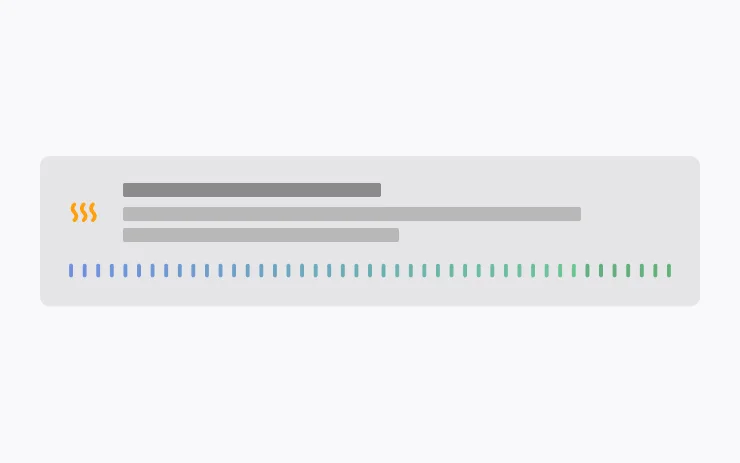
You can now manually precondition your battery to reach its optimal temperature before fast charging to save time. Start preconditioning about one hour before you plan to charge. Once the optimal temperature is reached, it will be maintained for thirty minutes.
You can now also precondition your battery via the Mobile App before driving to a fast charger. To start, go to Charging > Precondition for Fast Charging. Requires Mobile App v4.63.0.

This update includes important security fixes and improvements.
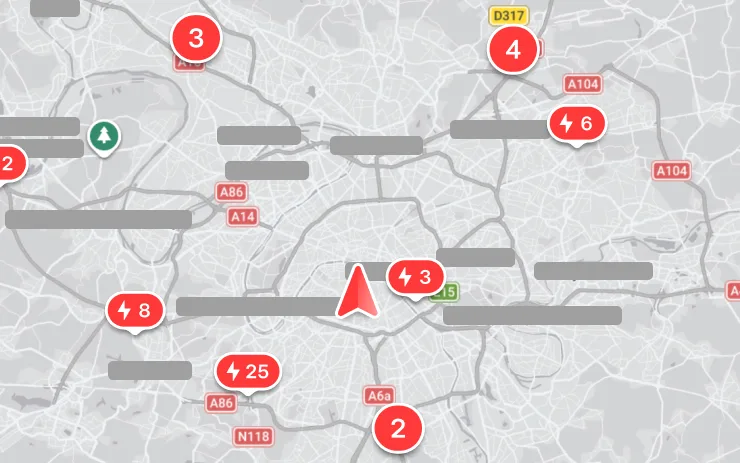
Charger pins on the map now cluster at normal zoom levels, showing network coverage as you zoom out. Additional third-party fast charger locations have also been added.
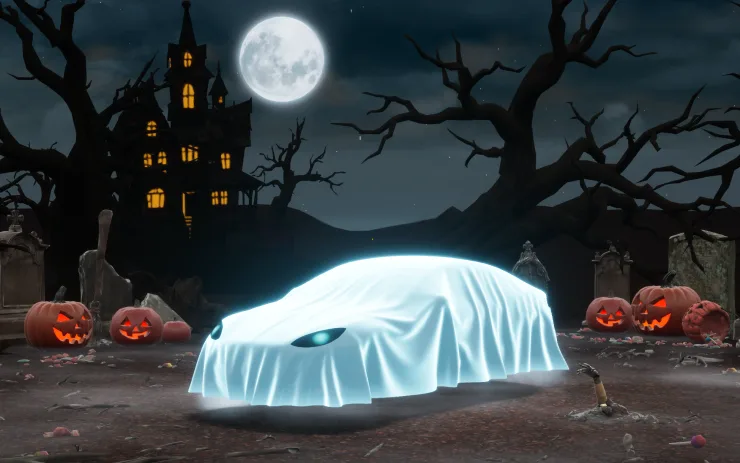
Spread holiday fear year round with Halloween Mode. Put a Ghost Costume on your car visualization. Turn on Trick or Treat Mode to play spooky sounds and flicker the lights when visitors approach. Schedule a haunting light show, and turn your car into a chilling Photobooth!
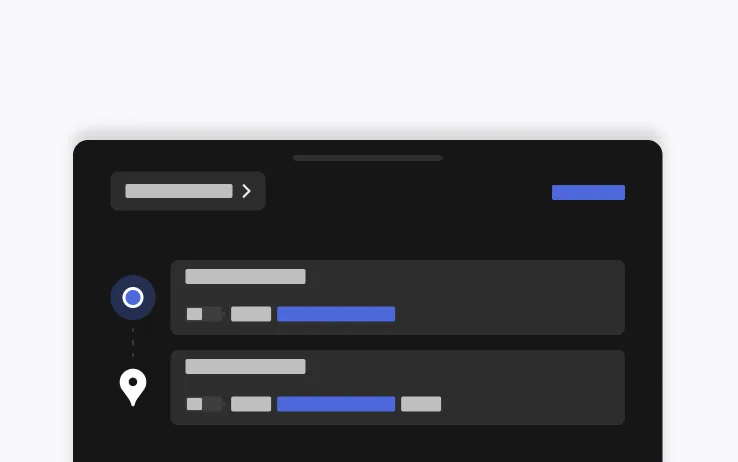
Set your desired Arrival Energy for any trip from your phone. Open the location tab in the Tesla Mobile App, enter your destination, and tap Set Arrival Energy. Requires Mobile App v4.58.0 or later.
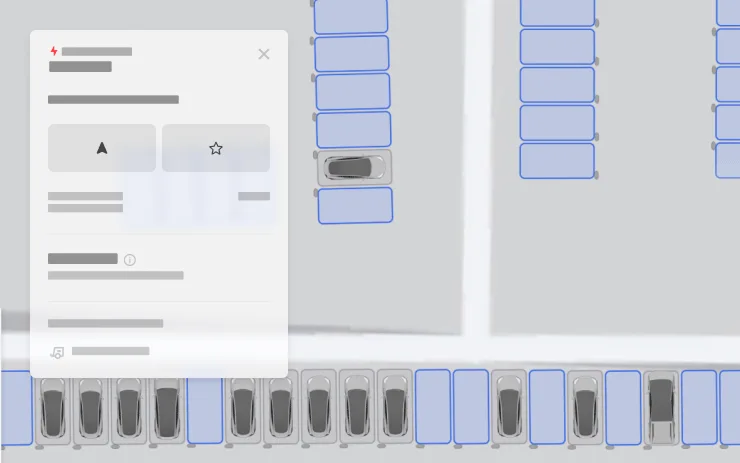
You can now see a detailed view of select Tesla Superchargers by tapping "View Site Map." When navigating to a pilot location, the site layout and live occupancy (Available / Occupied / Down) will be displayed upon arrival.

Choose from new wheel options to customize the appearance of your Tesla.
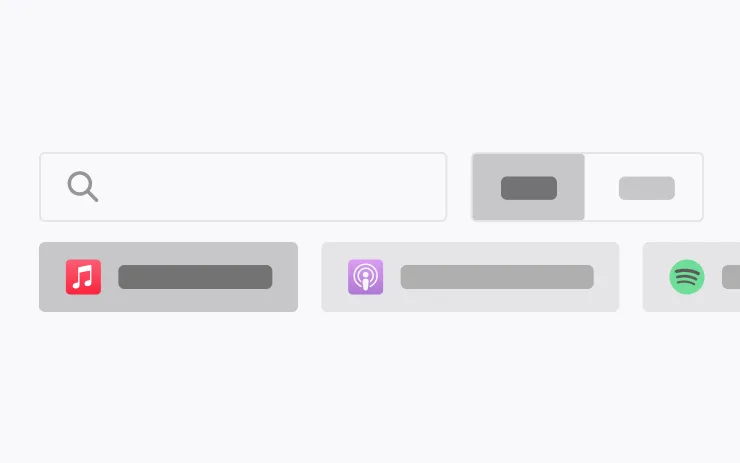
Go to Search, select Apple Music, then tap Library to find the songs, albums, and playlists you've added
Data via Teslascope