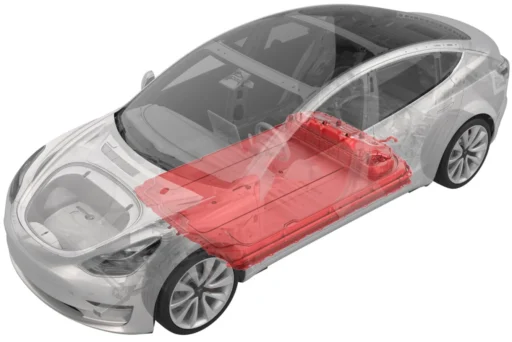
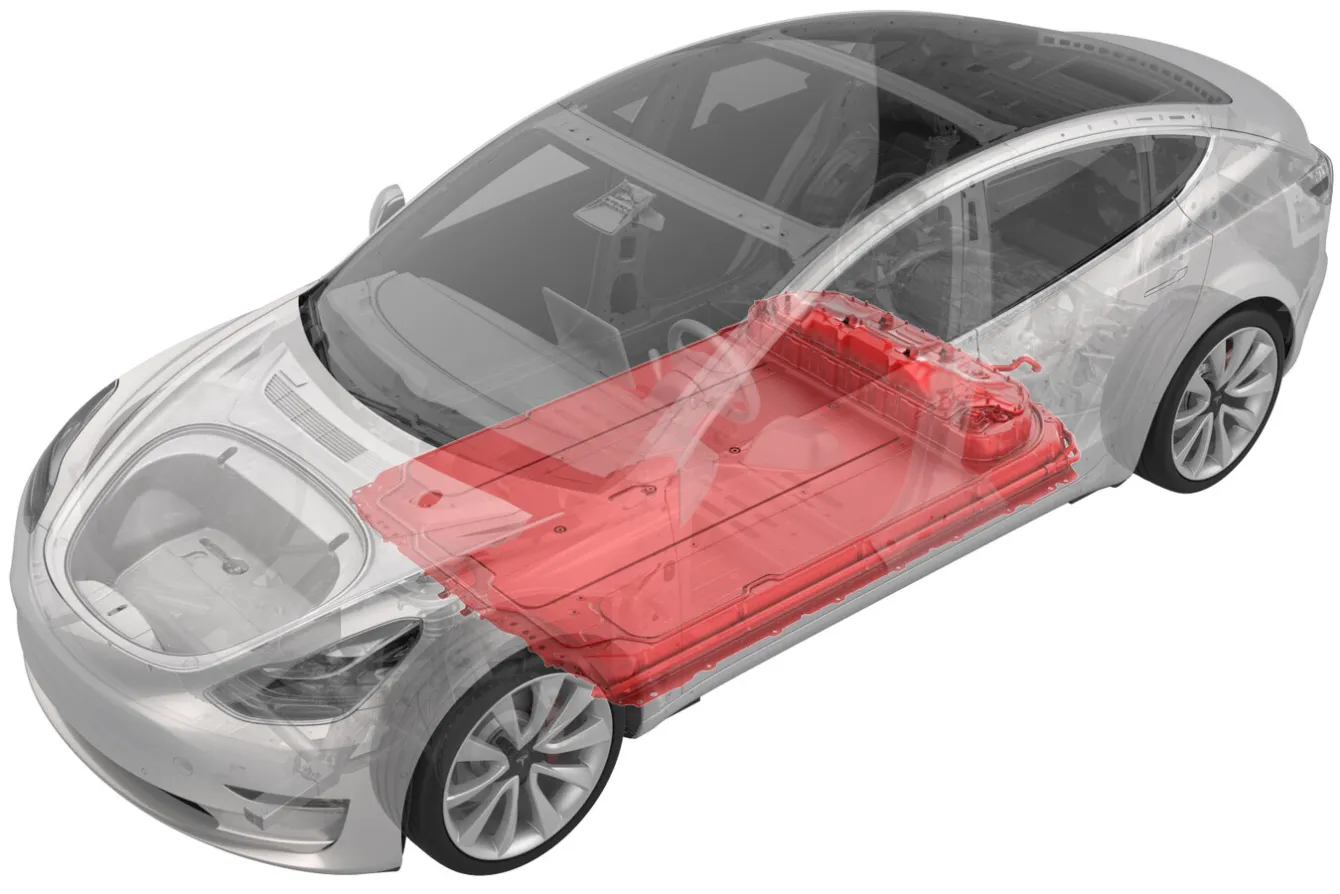

Tesla is giving drivers back the option to warm their batteries by hand before a fast-charging stop, according to release notes for software update 2026.44.3.1, and the change arrives just as cold weather starts to slow charging across much of the Northern Hemisphere.
Before this update, a Tesla heated its pack for DC fast charging only after the driver set a Supercharger or another supported fast charger as the navigation destination. Owners can now start the process on their own, either from the car’s touchscreen or through the Tesla mobile app.
How the feature works
“You can now manually precondition your battery to reach its optimal temperature before fast charging to save time,” the release notes say. Tesla recommends starting roughly an hour ahead of a planned charge, and once the pack hits its target temperature the car holds it there for 30 minutes.
In the app, the control sits under Charging > Precondition for Fast Charging and requires version 4.63.0. Code inside that app version, reviewed contained error messages for three cases: the car is already plugged into a fast charger, the battery charge is too low, or the model does not support the feature.
The app text states that preconditioning does not noticeably improve rates at slower AC chargers, so the tool is aimed at DC fast charging.
Tesla tried something similar years ago. In early 2018, the company added an app control that let owners warm a cold battery about an hour before driving, and the option appeared once temperatures neared freezing on cars running software 2017.50 or later.
Since then, Tesla has leaned on automated tools instead. The owner’s manual describes a scheduled Precondition setting that heats the battery ahead of a set departure time, and fast-charge warming has stayed tied to the navigation system.
Owners have asked for a manual switch for years. Some went as far as buying third-party accessories such as Enhance’s S3XY Buttons, which plug into the car’s diagnostic port and can start battery heating.
Signs of the return surfaced last week. On Nov. 17, a firmware researcher who tracks Tesla code posted that recent vehicle software contained “some rework about battery precondition,” and matching software hooks later turned up in the 2026.44 firmware branch.
Rollout and other changes
Update 2026.44.3.1 is a smaller follow-up in the 2026.44 branch. That branch began reaching cars on Nov. 17 with version 2026.44.1, which brought FSD (Supervised) v14.3 to owners in North America.
The new build carries more than preconditioning. It includes a redesigned Service menu and renames the car’s self-driving computer from “AI Computer” to “SI Computer,” and it adds technician-facing Service Mode changes for the Model 3, Model Y, Model S, Model X and Cybertruck.
Hidden code in the release hints at features still to come. One would alert drivers when the price or crowding at a destination Supercharger changes, and another would add a navigation option to prefer major roads.
Winter charging and the holiday rush
Lithium-ion batteries take in charge fastest when they are warm, so a cold pack can slow a fast-charging session by a wide margin. In practice, navigation-based warming has its limits. It can fall short when a charger is only a few minutes away, or when the car does not recognize a third-party station.
The timing comes during peak U.S. holiday travel. Tesla’s charging account said the company opened 1,027 Supercharger stalls at 91 U.S. sites in the 56 days before Thanksgiving, and it grew a virtual waitlist pilot to 300 sites.
Other automakers already offer similar controls. By comparison, Rivian added manual DC fast-charge preconditioning to its R1S and R1T, and that option works without the built-in navigation.
There is a cost, though. Warming a pack an hour before a stop uses battery energy, and that draws down range before the car ever plugs in, a trade-off some owners weigh carefully.
Discuss this on Tesla Owners Forum →
We’ve launched an official Tesla Owners Online Forum. Join early and claim your "Founding Fuel" badge.