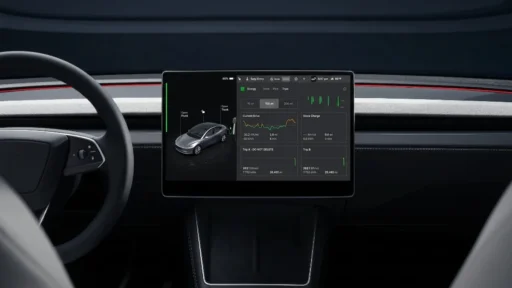

Tesla is distributing version 2026.14.1 to its vehicle fleet, and this release is widely known as the 2026 Spring Update. The software introduces a completely rebuilt Energy application. Drivers can now track their consumption statistics with much more detail than previous versions allowed.
Unlimited logs replace old limits
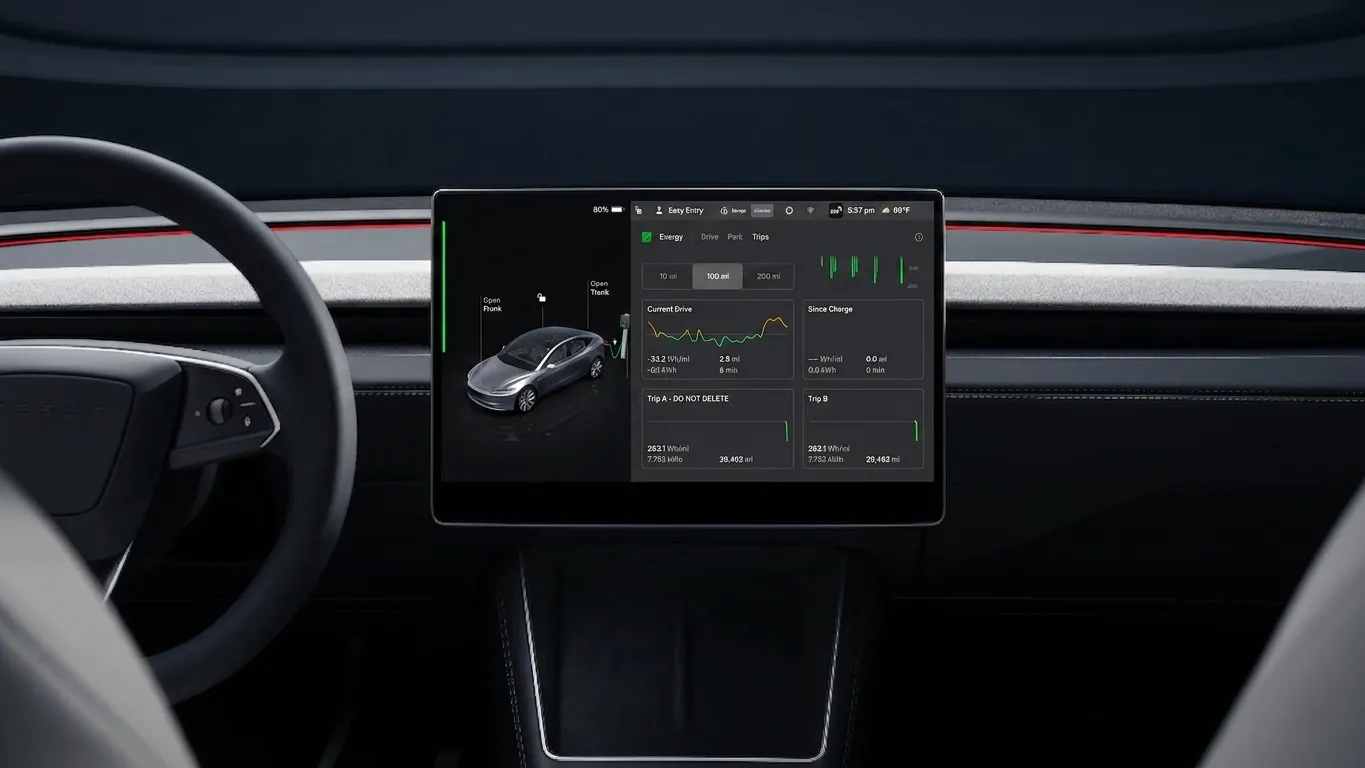
Owners previously had a strict limit of just four trip meters for all their driving data, but the new software removes this cap entirely. Users can now save an unlimited number of custom logs inside the application. You can find this new setup under App Launcher > Energy > “Trips”. This change lets drivers save separate records for daily commutes, long road trips, or seasonal performance tests without deleting old information.
Manual pause stops skewed data
Tesla added a “Pause a trip” option to keep driving metrics accurate during stops. Drivers can activate this tool to temporarily halt data collection when they park for food or rest. The battery still drains from climate control and electronics if the car sits idle. Yet pausing the log keeps that stationary energy usage out of the active driving efficiency score. This keeps the average Wh/mi exact for a specific part of a trip.
Visual graphs and interface cards
The interface now creates a dedicated consumption graph for every single custom log. Earlier versions only provided raw numbers on the screen, so the new visual charts map out energy drain against the exact route and driving conditions. Tesla integrated a new “Trips Card” directly into the main map display. Drivers just swipe left on the Media Card to see their active graph and stats. Then a quick vertical swipe inside this box lets users scroll through their custom names along with “Since Last Charge” and the “Current Drive”.
Revamped Energy App: Video
This new Energy App looks really cool pic.twitter.com/pGOaydR6rW
— Max (@maxbrco) April 18, 2026
Company release notes indicate the Energy app is just one piece of a large software package. The complete branch contains more than 20 new additions. Other upgrades include the “Hey Grok” voice AI and new safety lighting patterns.
The download is currently reaching the Model S, Model X, Model 3, Model Y, and Cybertruck worldwide. Owners can check for version 2026.14.1 by opening Controls > Software on their center display.
You may also like to read:
- Tesla’s 2026 Spring Update adds a live map to the rear screen »
- Tesla software update version 2026.14.1 release notes »
- Tesla’s Spring 2026 software update version 2026.14 release notes »
- Tesla rebuilds its trip stats screen in the spring 2026 software update »
- Tesla spring update gives Model Y ‘Juniper’ a new on-screen look »
We’ve launched an official Tesla Owners Online Forum. Join early and claim your "Founding Fuel" badge.