
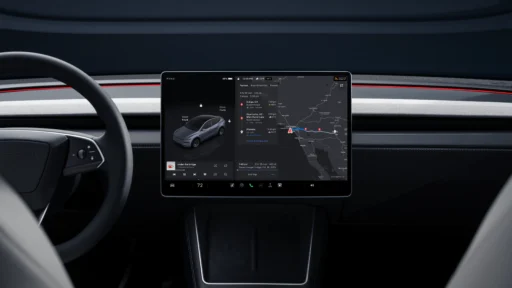
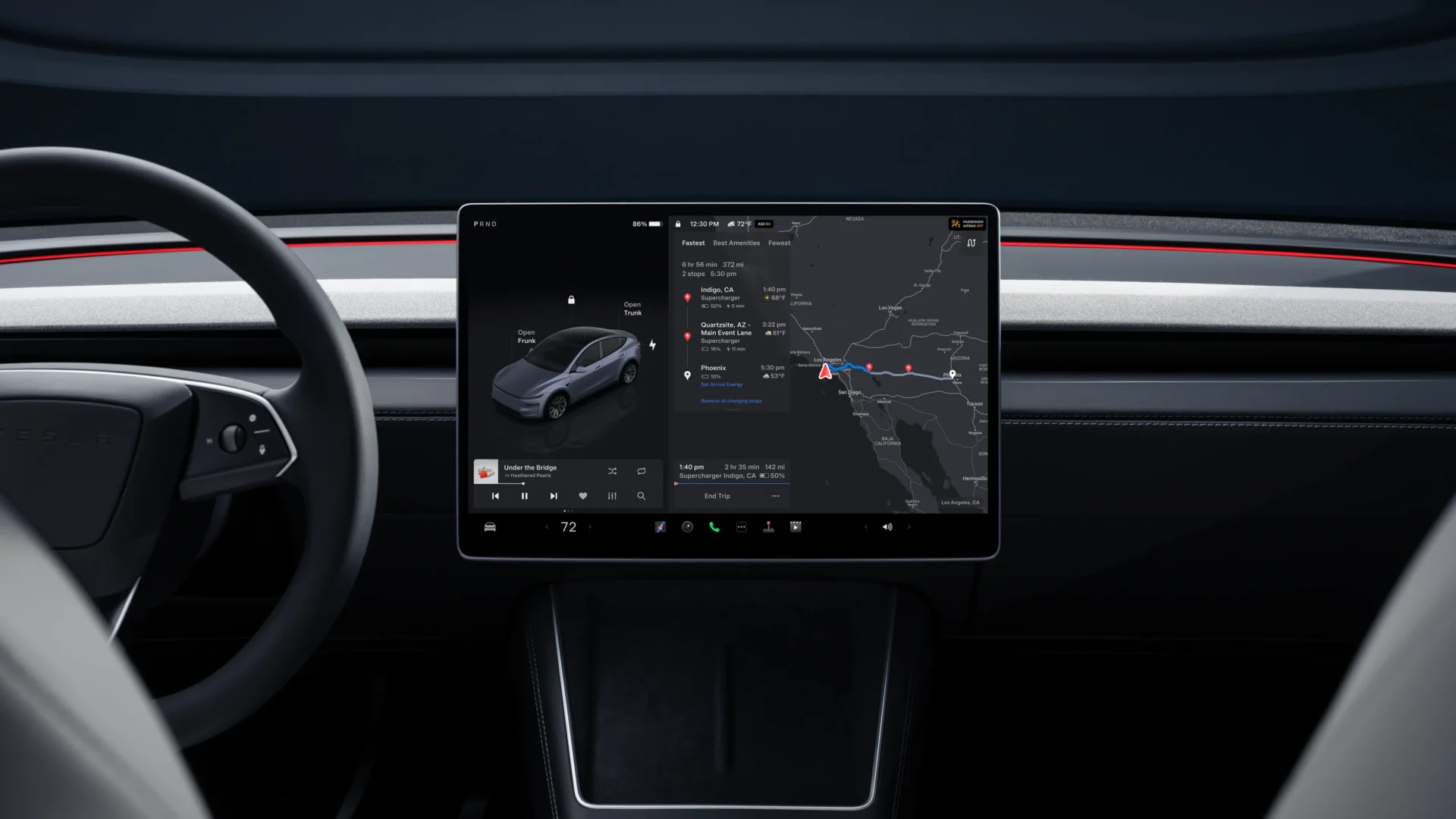

Tesla recently began rolling out its spring software update, and the release changes how drivers monitor their energy usage on the road. The new version removes the old, horizontal trip cards and replaces them with a vertical system that groups all driving data into one easy-to-reach spot on the screen.
The change affects the daily driving experience right away. Before this update, drivers had to tap through menus or swipe sideways multiple times to find out how much battery they used on a trip. The new design puts everything inside the media control area on the bottom left of the screen.
Drivers just swipe left on the music player to open the new trip window. Once the window is open, the system relies entirely on vertical swiping. You simply swipe up or down in the trip window, and you will already see Current Trip, Since Charge, Trip A and B, or the new consumption curves.
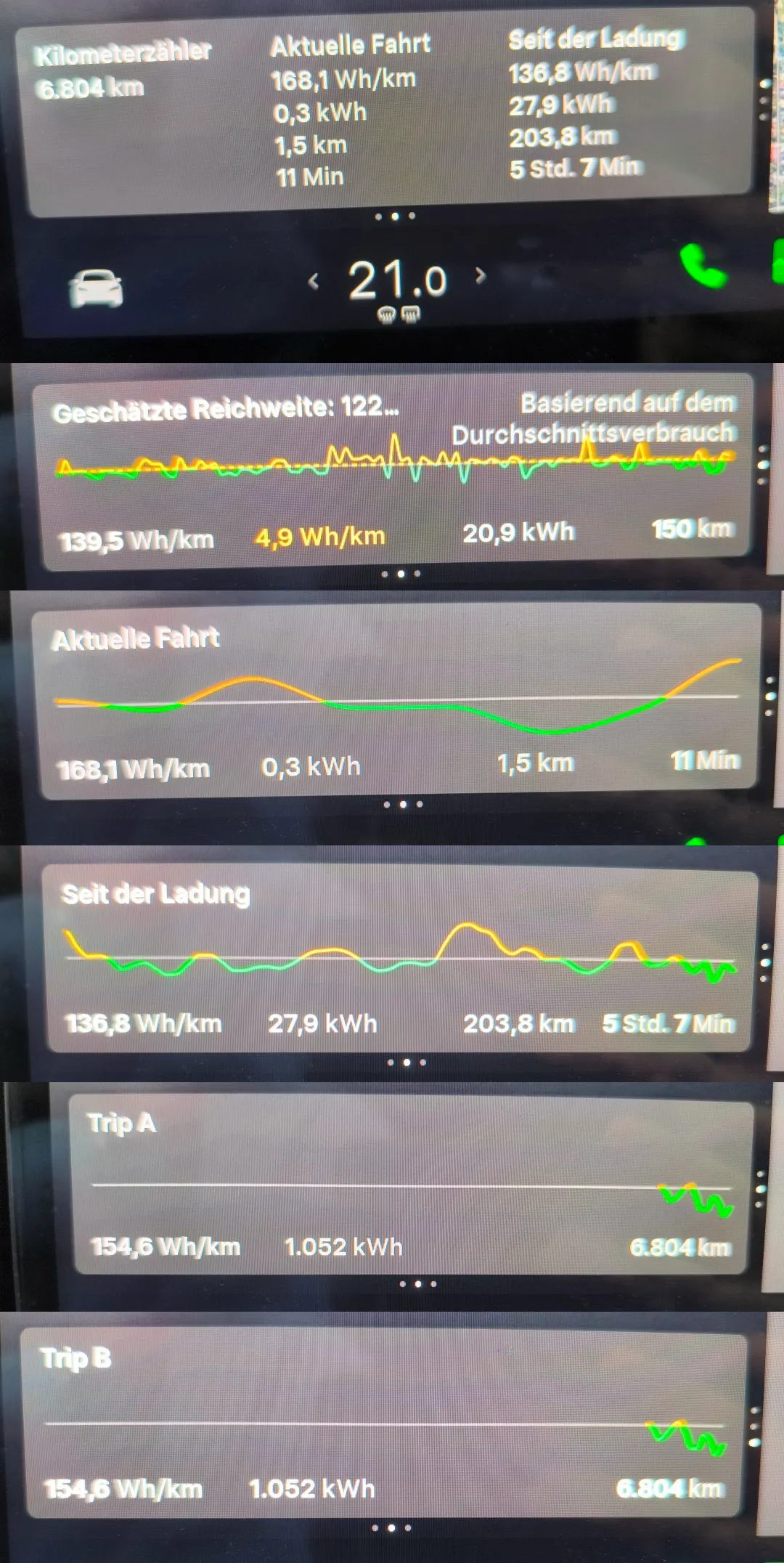
This vertical stack acts like a deck of cards you can flip through quickly. Each card serves a specific purpose for tracking distance and battery drain.
Breaking down the vertical swipe cards
The top card in the stack shows the Current Trip. This screen resets every time the car parks for an extended period. It gives drivers a snapshot of their active drive, displaying the exact distance traveled, the time spent driving, and the average energy used per mile or kilometer.
When you swipe down to the next card, the screen displays the Since Charge data. This metric helps drivers understand their actual range on their current battery level. It tracks total distance and total energy used since the car was unplugged, giving a clear picture of how heating, cooling, or highway speeds are affecting the battery pack right now.
Swiping down again reveals Trip A and Trip B. These are the long-term trackers. Many drivers use Trip A to record mileage for a specific vacation or a monthly work commute. They often leave Trip B running for the entire life of the tires to track long-term wear and average efficiency over thousands of miles. Both of these cards remain running until the driver manually presses a reset button on the screen.
The final swipe down reveals the most visual change, the Consumption Curves. Instead of just showing numbers, this screen draws a live graph of how the car uses energy. The line on the graph moves up when the car climbs a hill or accelerates hard, and it dips down when the car uses regenerative braking to put energy back into the battery on a downhill slope.
This new layout solves a long-running complaint from owners. In older software versions, the screen only had room to show one or two trip meters at a time. If a driver wanted to see their lifetime mileage and their current trip efficiency, they had to open the main car settings menu and block the navigation map to find the information.
Company filings indicate Tesla wants to reduce the time drivers spend looking at the center screen. By grouping all the distance and energy data into one vertical window, the interface requires fewer taps.
The spring update also brings a new hands-free voice assistant and upgraded safety lights, but the trip stats redesign is the feature drivers will interact with most often on a daily commute.
For a complete list of changes in this release, you can read more at Tesla reveals a massive 2026 Spring Software update for your vehicle.
You may also like to read:
- Tesla spring update gives Model Y ‘Juniper’ a new on-screen look »
- Tesla reveals a massive 2026 Spring Software update for your vehicle »
- Tesla expands premium Immersive Sound to new Model 3 and Model Y »
We’ve launched an official Tesla Owners Online Forum. Join early and claim your "Founding Fuel" badge.
Oh… what a pain. I test-drove the Model Y LR and it was extremely uncomfortable to keep track of driving data. Information is in two different locations, and it’s missing information as trivial and basic as average speed. Having to constantly look down from the road and refocus on a display far away from my line of sight was the reason I decided not to buy a Tesla. The lack of a HUD also makes this car potentially dangerous to drive. Oh, and did I mention the real slow charging speed after the battery hits over 60% SOC?