All software updates

Tesla 2026.8.3.10 FSD v13.2.9 Down (AI4) Update Release Notes

2026.8.3.10 2026.8 branch Feature Update
Feature update

2026.8.3.10 adds FSD (Supervised) v13.2.9 Down Under, Full Self-Driving (Supervised) Down Under and Vision-Based Attention Monitoring.

See everything new below

What is new

New in 2026.8.3.10

4 items
Available on
Model 3 (AI4)Model Y (AI4)

FSD (Supervised) v13.2.9 Down Under

Included in 2026.8.3.10

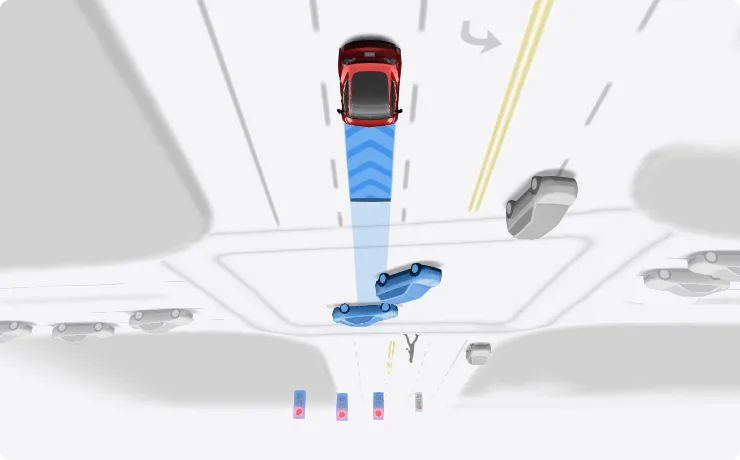
FSD (Supervised) v13 Down Under upgrades every part of the end-to-end driving network.

Includes:

  • 36 Hz, full-resolution AI4 video inputs
  • Native AI4 inputs and neural network architectures
  • 4.2x data scaling
  • 5x training compute scaling (enabled by the Cortex cluster)
  • Reduced photon-to-control latency by 2x
  • Integrated unpark, reverse, and park capabilities
  • Improved reward predictions for collision avoidance
  • Improved camera cleaning
  • Redesigned controller for smoother, more accurate tracking
  • Dynamic routing around road closures, which displays them along an affected route when they are detected by the fleet

Upcoming Improvements:

  • 3x model size scaling
  • 3x model context length scaling
  • Audio inputs for better handling of emergency vehicles
  • Improved reward predictions for navigation
  • Improvements to false braking and slower driving in parking lots
  • Support for destination options including pulling over, parking in a spot, driveway, or garage
  • Efficient representation of maps and navigation inputs
  • Improved handling of camera occlusions
Available on
Model 3 (AI4)Model Y (AI4)

Full Self-Driving (Supervised) Down Under

Included in 2026.8.3.10

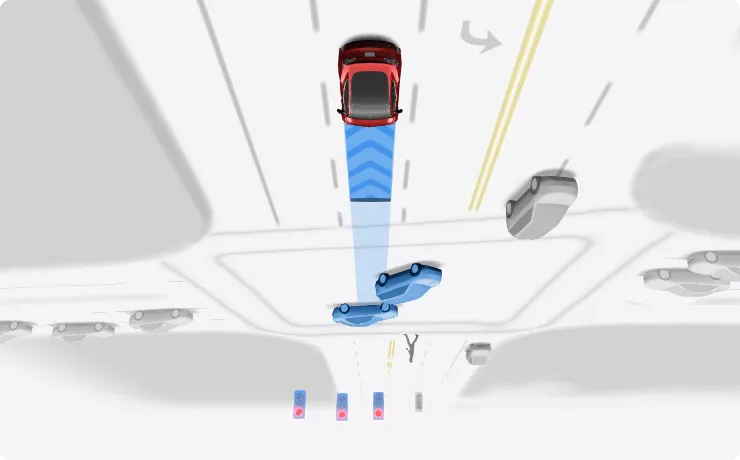
Under your supervision, Full Self-Driving (Supervised) Down Under can drive your Tesla almost anywhere. It will make lane changes, select forks to follow your navigation route, navigate around other vehicles and objects, and make left and right turns. You and anyone you authorise must use additional caution and remain attentive. It does not make your vehicle autonomous. Do not become complacent.

Full Self-Driving (Supervised) Down Under is enabled on your vehicle. To use the feature, press the right scroll wheel button once. You can disable Full Self-Driving (Supervised) Down Under in Autopilot Settings.

Be aware of road conditions or hazards (such as pot holes and speed bumps) and operate the vehicle responsibly under all circumstances.

Available on
Model 3 (AI4)Model Y (AI4)

Vision-Based Attention Monitoring

Included in 2026.8.3.10

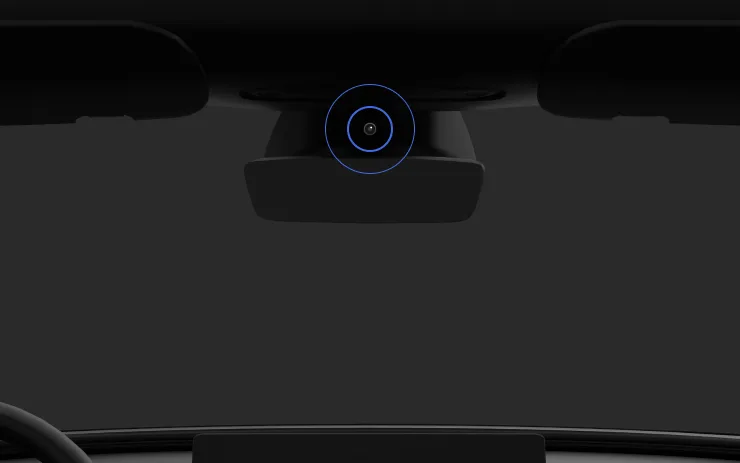
When Full Self-Driving (Supervised) is enabled, the driver monitoring system primarily relies on the cabin camera to determine driver attentiveness. Cabin camera must have clear visibility (e.g., camera is not occluded, eyes, arms, are visible, there is sufficient cabin illumination, and the driver is looking forward at the road without sunglasses, or other objects covering their eyes). In other circumstances, the driver monitoring system will primarily rely on torque-based (steering wheel) monitoring to detect driver attentiveness.

If the cabin camera detects inattentiveness, a warning will appear. The warning can be dismissed by the driver immediately reverting their attention back to the road ahead. Warnings will escalate depending on the nature and frequency of detected inattentiveness, with continuous inattention leading to a Strikeout.

Available on
Model 3 (AI4)Model Y (AI4)

Minor Fixes

Included in 2026.8.3.10

This release contains minor fixes and improvements

Also in this build

Everything else included

5 items
Available on
Model Y (AI4)Model 3 (AI4)

Minor Updates

Included in 2026.8
  • Enable or disable wireless phone charging pads in Controls > Charging.
  • Your vehicle will now send a mobile alert if any cabin door is left open while Dog Mode is active.
  • Add Spotify tracks to your queue right from the search screen.
  • Scroll through large Spotify playlists, albums, podcasts, audiobooks, and your library seamlessly, without paging.
  • Take the vibes up another level with rainbow colors during Rave Cave. Accent lights color will change along with the beats of your music. Go to App Launcher > Toybox > Light Sync.
  • Lock Sound now includes Light Cycle from Tron Mode. Go to App Launcher > Toybox > Boombox > Lock Sound.
  • Allow your vehicle to share charging data with Tesla to support features like Charge Stats in the Tesla app.
Available on
Model Y (AI4)

Comfort Braking

Included in 2026.8

Your Tesla now provides a smoother feel as you come to a complete stop during routine braking.

Available on
Model Y (AI4)

Phone Left On Wireless Charger

Included in 2025.44.25.4

Your vehicle will chime a few seconds after the doors close if a phone is left on the wireless charger and no occupants are detected.

Go to Controls > Locks > Phone Left On Wireless Charger Chime.

Available on
Model Y (AI4)

Onboarding Guide

Included in 2025.44

The Onboarding Guide helps you get familiar with your Tesla. It covers adjusting driver settings, using the touchscreen as well as controlling lights, wipers, and Autopilot features - among other functions.

Go to App launcher > Manual > Get To Know Your Tesla.

Available on
Model Y (AI4)

Minor Update

Included in 2025.44
  • You can now choose Exclude Home when Cabin Overheat Protection or No A/C is enabled.

Data via Teslascope