
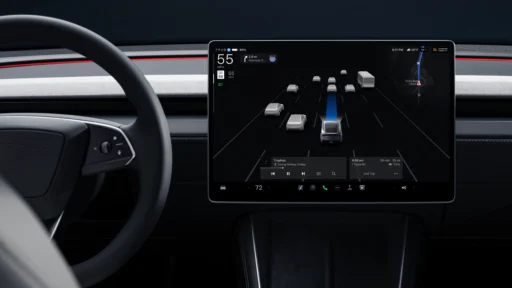
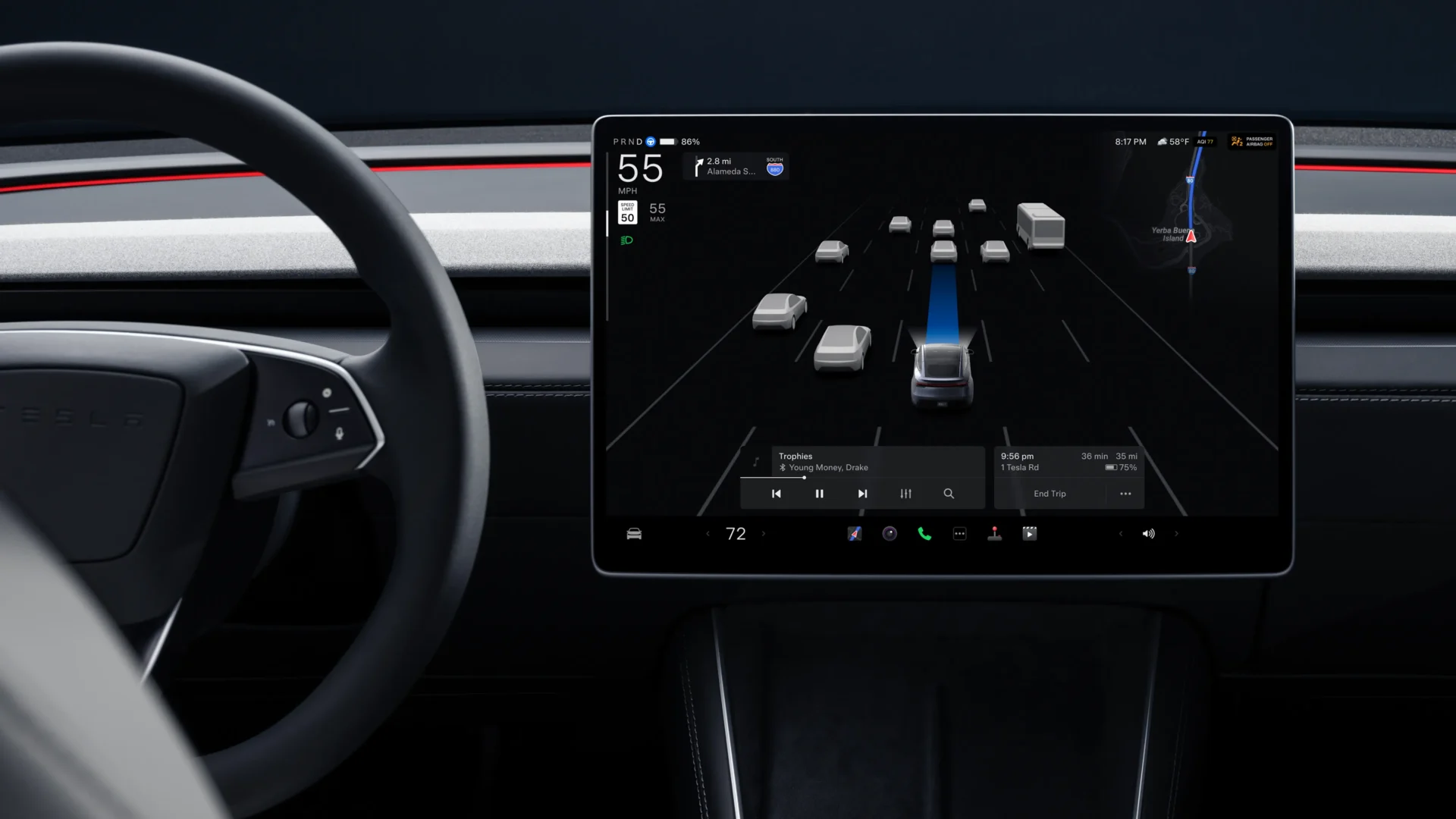

The latest Tesla software update, version 2026.20.6.1, is being rolled out to vehicles worldwide. The package primarily targets minor fixes, yet it builds directly on the earlier 2026.20 branch that introduced several new tools for owners. Security patches stand out in the 2026.20.6 build, and the 2026.20.3 version added a blind spot warning system for parked cars. For example, this feature supports newer Model Y vehicles along with the 2021 and newer Model S and Model X, and it helps prevent drivers or passengers from opening doors into approaching traffic or cyclists.
Dashcam clip encryption adds privacy
Dashcam clips are now stored in encrypted form on your USB flash drive for privacy reasons, so only your vehicle can view them right out of the box. You can decrypt these clips by tapping the lock icon inside the Dashcam app on the main screen, and then you can visit dashcam.tesla.com to manage the files on a computer. Owners who prefer the older method can disable this protection entirely, and you just need to go to Vehicle > Safety > Encrypt Dashcam Recordings to turn it off.
Parental controls limit entertainment access
Parents can now restrict what their kids do inside the car when it is parked. You can block the Browser, Theater, and Arcade apps directly from the main menu, and you set this up by going to Controls > Safety > Parental Controls. The restriction keeps younger drivers from getting distracted by games or videos when they should stay focused on the road.
Voice assistance and service mode additions
Grok voice integration arrived with the 2026.20 update for users in Taiwan, the Philippines, India, Colombia, Thailand, and Singapore. The digital assistant gives owners another way to interact with the vehicle using natural language commands, so drivers can keep their hands on the wheel. Service mode gained a new forward camera cleaning panel at the same time, and this helps technicians and owners check the camera feeds to clear dirt or debris from the windshield housing. Clean cameras help the driver assistance systems work correctly on the highway.
Official release notes
Changes:
Minor fixes
2026.20.6 changes:
Security improvements
2026.20.3 changes:
Blind Spot Warning While Parked [new Y, 2021+ S/X]
Security improvements
2026.20 changes:
Parental Controls
You can now block Browser, Theater, and Arcade from your Tesla by going to Controls > Safety > Parental Controls while in Park.
Dashcam Clip Encryption [select countries]
Dashcam clips are now stored in encrypted form on your USB flash drive for privacy reasons. Only your vehicle can view them.
To decrypt clips, tap the lock icon in the Dashcam app or visit http://dashcam.tesla.com.
To disable encryption, go to Vehicle > Safety > Encrypt Dashcam Recordings.
- Grok [Taiwan / Philippines / India / Colombia / Thailand / Singapore]
- Security improvements
- New Forward Camera Cleaning Panel in Service Mode
We’ve launched an official Tesla Owners Online Forum. Join early and claim your "Founding Fuel" badge.