All software updates

Tesla 2026.27.6.15 Summer Update - FSD v14.2.2.5 (AI4) Update Release Notes

2026.27.6.15 New 2026.27 branch Feature Update, Summer Update
Feature update

2026.27.6.15 adds FSD (Supervised) v14.2.2.5, Speed Profiles and UI Improvements.

See everything new below

What is new

New in 2026.27.6.15

3 items
Available on
Model X (Refresh) (AI4)

FSD (Supervised) v14.2.2.5

Included in 2026.27.6.15
  • Added Arrival Options for you to select whether FSD should park or stop curbside.
  • Added navigation and routing into the vision-based neural network for real-time handling of blocked roads and detours.
  • Added additional Speed Profile to further customize driving style preference.
  • Improved handling for static and dynamic gates.
  • Improved offsetting for road debris (e.g. tires, tree branches, boxes).
  • Improve handling of several scenarios including: unprotected turns, lane changes, vehicle cut-ins, and school busses.
  • Improved FSD's ability to manage system faults and recover smoothly from degraded operation for enhanced reliability.
  • Added alerting for residue build-up on interior windshield that may impact front camera visibility. If affected, visit Service for cleaning!

Upcoming Improvements:

  • Overall smoothness and sentience
  • Parking spot selection and parking quality
Available on
Model X (Refresh) (AI4)

Speed Profiles

Included in 2026.27.6.15

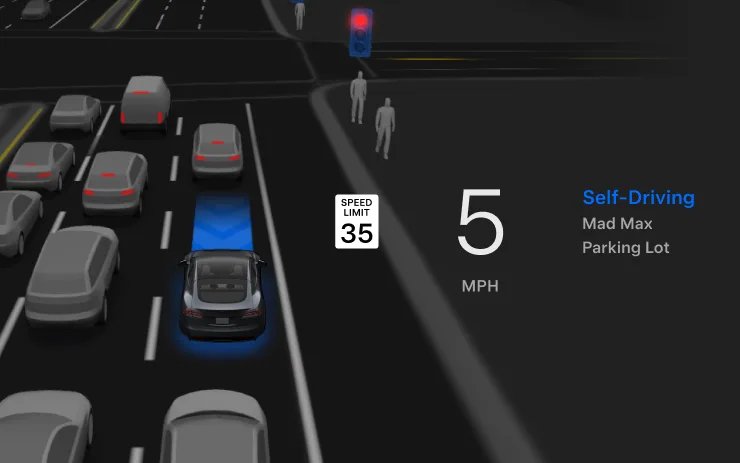
FSD (Supervised) will now determine the appropriate speed based on a mix of driver profile, speed limit, and surrounding traffic. However, the speed determined by the FSD (Supervised) may differ from the speed limit, and the driver is responsible for controlling the vehicle speed at all times.

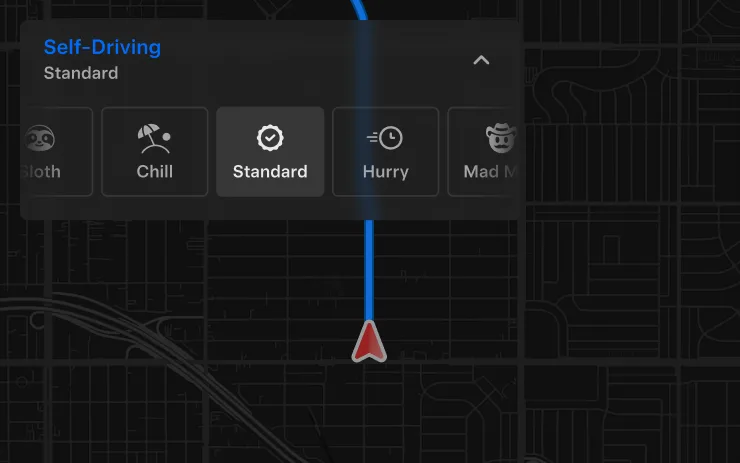
  • Introduced new Speed Profile SLOTH, which comes with lower speeds & more conservative lane selection than CHILL.
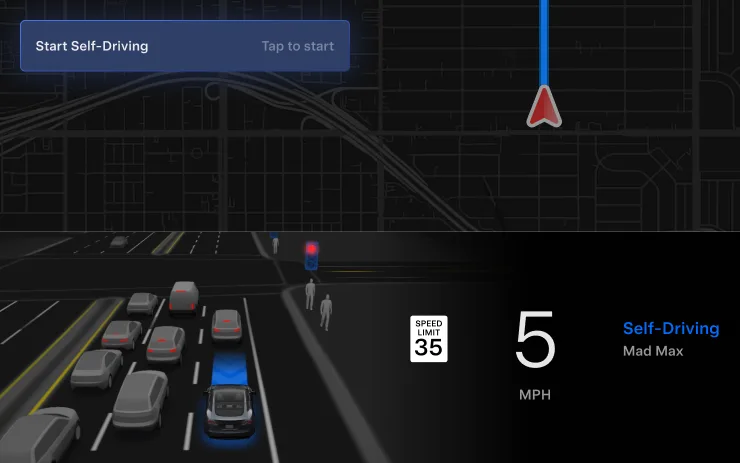
  • Introduced new speed profile MAD MAX, which comes with higher speeds and more frequent lane changes than HURRY.
  • Driver profile now has a stronger impact on behavior. The more assertive the profile, the higher the max speed.
  • Right scroll-wheel up/down now adjusts Speed Profile setting rather than your precise max speed offset selection in mph/kph.
Available on
Model X (Refresh) (AI4)

UI Improvements

Included in 2026.27.6.15
  • Start Self-Driving with a tap of the touchscreen from Park, or any time during your drive.
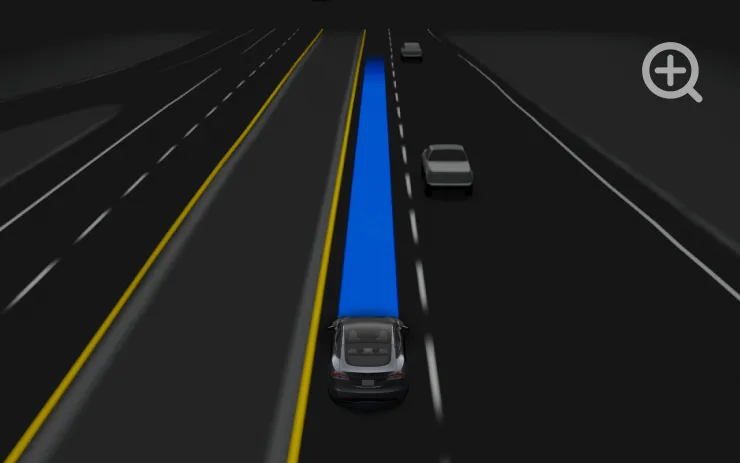
  • Adjust settings like the Speed Profile and Arrival Options directly from the Self-Driving visualization on the center display.

Also in this build

Everything else included

13 items
Available on
Model X (Refresh) (AI4)

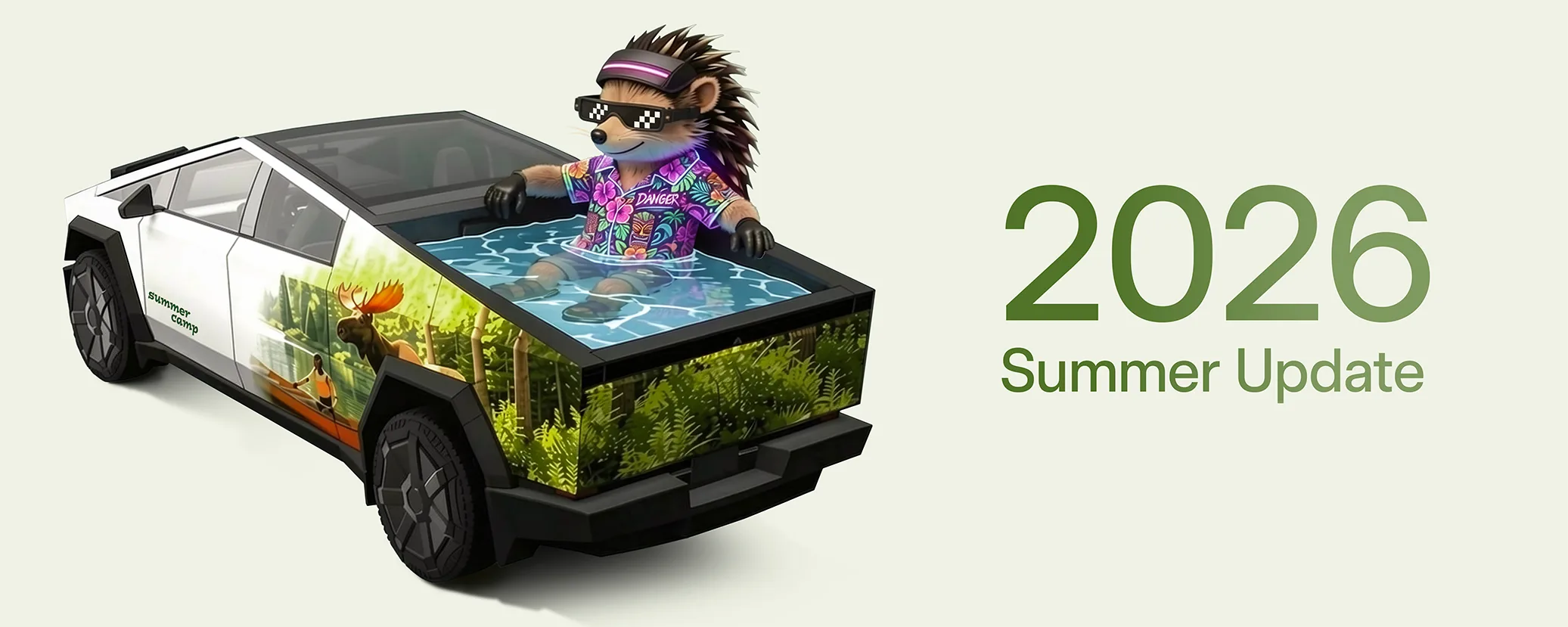
Summer Update

Included in 2026.26.6

Swipe up to see your new features in the 2026 Summer Update.

Available on
Model X (Refresh) (AI4)

Grok Commands

Included in 2026.26.6

Grok can now make phone calls, play music, adjust climate, and search the Controls panel. Ask Grok about your Tesla or what was included in the latest software update.

Go to Grok > Settings to enable or disable "Hey Grok" and location-based reminders. Requires Premium Connectivity or a WiFi connection. Conversations are anonymous to Tesla and not associated with your vehicle.

Available on
Model X (Refresh) (AI4)

Caraoke with Scoring

Included in 2026.26.6

Caraoke now scores your singing while in Park. Earn stars and track your high scores in the My Karaoke tab. On the rear display, tap the queue button to show a QR code for passengers to scan and add songs to the queue from their phones. Requires Premium Connectivity.

Available on
Model X (Refresh) (AI4)

Custom Wraps

Included in 2026.26.6

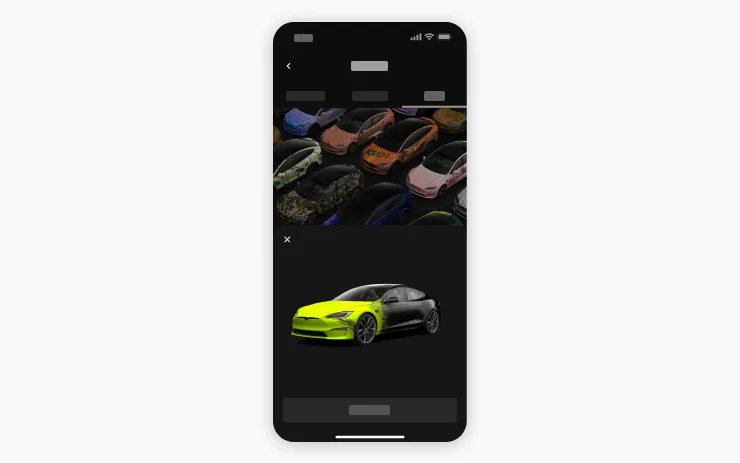
Use the Mobile App to upload custom wrap designs from images on your phone and send directly to your Tesla. Go to Creations > Wrap > Upload. Requires Mobile App v4.59.0 or later.

To access in car, go to App Launcher > Toybox > Paint Shop.

Available on
Model X (Refresh) (AI4)

Automatic Navigation

Included in 2026.26.6

Automatic Navigation now adapts to your routine. In addition to Home, Work, and upcoming calendar events, your vehicle can now suggest and route to the places you visit regularly, like a school drop-off on the way to work, when Destination Suggestions are enabled. Location data is anonymous to Tesla and not associated with your vehicle.

Available on
Model X (Refresh) (AI4)

Alternative Routes

Included in 2026.26.6

See alternative routes while driving. Tap the map mode button or tap the next turn to switch to Overview mode and choose a different route.

Available on
Model X (Refresh) (AI4)

Camera Preview

Included in 2026.26.6

You can now open Camera Preview at any time, even if your Tesla is not in Park.

Go to Controls > Service > Camera Preview and tap on any camera view to see it individually. Tap the grid button to switch back to all cameras.

Available on
Model X (Refresh) (AI4)

Apple Music

Included in 2026.26.6

Add songs to your Apple Music queue directly from Search results and Artist pages. Tap and hold a song, or tap the three-dot menu to play next, add to queue, save to your library, or mark as a favorite. Requires an active Apple Music subscription.

Available on
Model X (Refresh) (AI4)

Driving Visualization

Included in 2026.26.6

Customize your Self-Driving zoom preference. Select desired zoom level in Controls > Self-Driving > Visualization Camera Zoom.

Available on
Model X (Refresh) (AI4)

Rear Display

Included in 2026.26.6

Disable rear touchscreen controls from the center display by going to App Launcher > Rear > Lock Rear Display. Content selected from the center display will continue to play in the rear.

Available on
Model X (Refresh) (AI4)

Web Browser

Included in 2026.26.6

You can now use your Tesla's interior camera and cabin microphone in Web Browser. Tap to grant permissions when a website requests access. Camera is only available while parked.

Available on
Model X (Refresh) (AI4)

Supercharger Search

Included in 2026.26.6

You can now find Superchargers by name when searching for a destination.

Available on
Model X (Refresh) (AI4)

Security Improvements

Included in 2026.26.6

This update includes important security fixes and improvements.

Data via Teslascope