
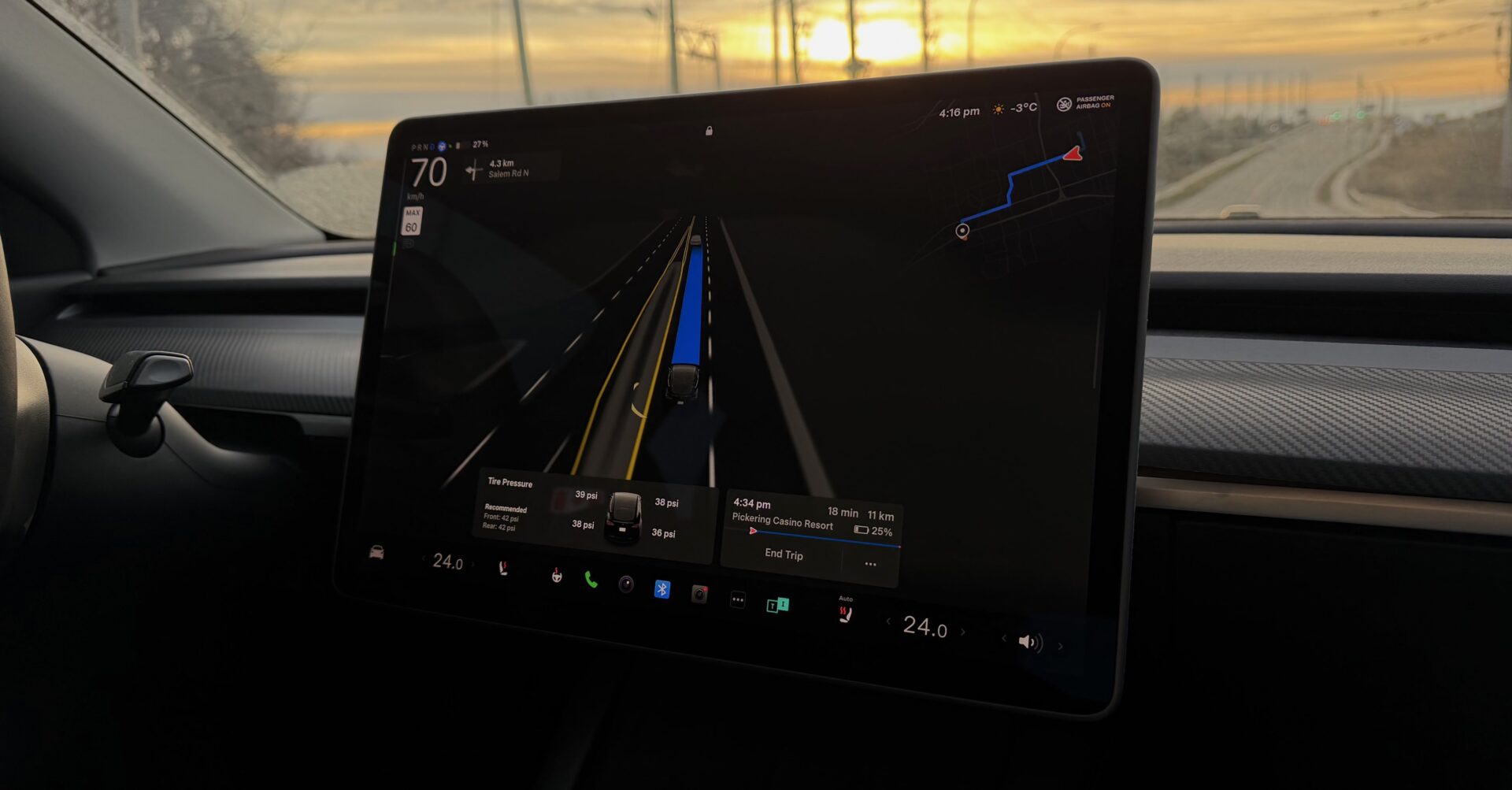

Tesla released its 2026 spring software patch for vehicles running HW3 and Intel Atom processors. The update brings several practical changes to the dashboard and mobile app integrations, giving drivers better route planning and media controls. Still, the company left out some tools reserved for newer hardware.
Pet mode and trip tracking
Owners can now pick a dog, cat, or hedgehog to appear on the screen when Pet Mode is active. They can customize the display with their pet’s name by going to Controls > Display > Customize Pet Mode.
The software introduces a way to create multiple trips to track energy usage across different drives, and drivers find this in App Launcher > Energy > Trips. Then, they can quickly check consumption numbers by swiping left on the media player.
Music and maps
The interface lets users swipe right on songs in Apple Music or Spotify to build a queue. Apple Music listeners can tap and hold a track to add or remove it from Favorites, and Spotify users just swipe left to manage Liked Songs.
Navigation gets a few tweaks. Trip Planner includes a filter to only route through Superchargers with Tesla pricing. The system avoids chargers where Tesla does not control the rates or accept Free Supercharging credits. Weather maps display rain and snow in clearer colors, making precipitation types easier to distinguish. Users tap the weather icon to see how conditions changed along their route over the past hour. Indeed, this weather function requires Premium Connectivity.
Dashcam and overnight updates
Dashcam footage now runs up to 24 hours back. Drivers save these clips permanently to the car or their phone through App Launcher > Dashcam Viewer. Files sent to a phone contain exact speed, steering wheel angle, and Self-Driving state. Yet, this phone transfer requires Premium Connectivity and Mobile App 4.55.6 or later.
Cars can now download and install software updates automatically overnight, taking care of the process when parked and not in use. Drivers turn this on via Controls > Software > Automatically Install Updates.
Keyboard and security tweaks
The chosen keyboard language controls the dictation language. Tapping the international button changes both without altering the main voice command language, and users press the microphone icon on the keyboard to start dictating. Tesla bundled general security improvements into the patch.
Features missing from this release
Older hardware misses out on several additions.
- The Self-Driving App (AI4 hardware) and “Hey Grok” remain unavailable for these cars.
- Sketchpad and Blind Spot Warning Accent Lights are missing from the package.
- Visual and audio upgrades like Car Visualization (New Model 3 & Y) and Immersive Sound (New Model 3 & Y w/ premium audio) did not make the cut.
- Custom Wraps and License Plates (S/X) are absent.
- Passengers sitting in the back cannot view or interact with maps on the rear display.
We’ve launched an official Tesla Owners Online Forum. Join early and claim your "Founding Fuel" badge.
Your ability to distill complex ideas into lucid prose is a rare gift , like a beacon of intellectual curiosity.