
Tesla recently released a targeted navigation update to fix a growing economic issue for older customers. The company introduced a “Free Supercharging” filter so entitled owners are never accidentally routed to “pay-per-use” hardware.
The @TeslaCharging account shared this update on X today. Currently, the new feature stops drivers from visiting third-party sites that use Tesla’s North American Charging Standard (NACS) but operate outside the official financial ecosystem.
Open network brings new billing rules
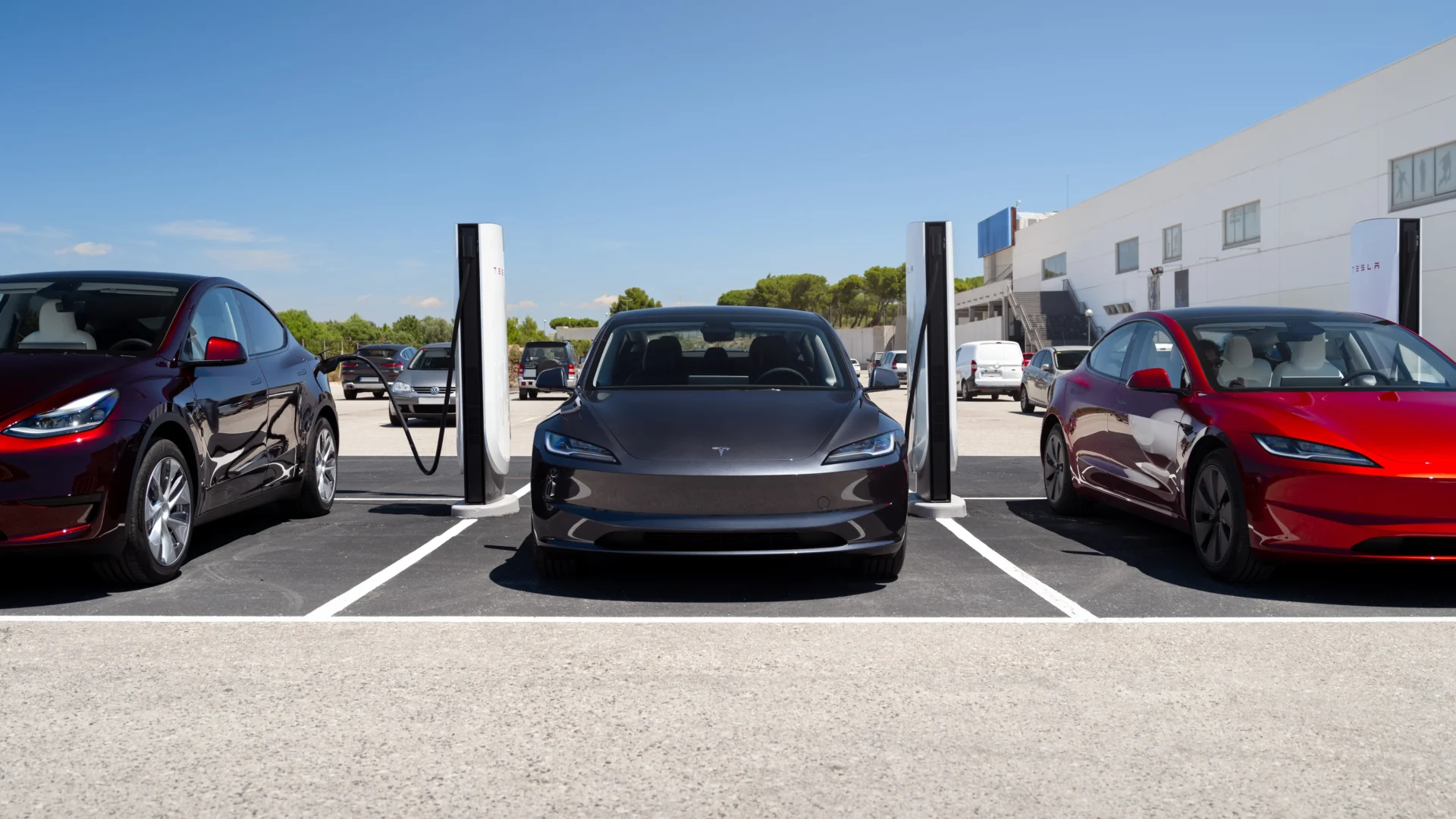
By early 2026 the charging market changed completely after NACS became the SAE J3400 standard. Now companies like Wawa, BP Pulse, and municipal utilities buy and operate Tesla-branded V4 hardware. These stalls look identical to Tesla-owned infrastructure yet they manage their own billing. Independent locations do not honor Tesla’s “Free for Life” programs. Then this software switch acts as a protective shield for legacy entitlements.
How the trip planner works
Drivers can find the new toggle under Controls > Navigation. The setting is labeled “Only Add Superchargers Accepting Free Supercharging.” The informational pop-up states the feature “ensures Trip Planner routes you exclusively to Tesla Superchargers,” filtering out locations that charge a credit card. Next, the system requires Online Routing to be enabled.


Station ownership and regional promotions change frequently so the car must check with Tesla servers in real-time before calculating a route. The software then limits the map nodes to locations accepting the legacy SC01 code or account-locked 2024 lifetime incentives.
Part of the 2026 “Spring Update”
This navigation refinement arrives as part of software version 2026.2.6.1, a release that also integrates the “Grok” AI assistant into the vehicle’s voice control system. Owners can now issue complex routing commands, such as “Hey Grok, route me to the coast using only free Superchargers,” leveraging the new billing filter alongside real-time traffic data.
Activating the new filter
Tesla owners can turn on this protection using a few basic steps.
- Tap Controls on the touchscreen.
- Then select the Navigation tab.
- Make sure Online Routing is toggled ON.
- Finally, toggle ON “Only Add Superchargers Accepting Free Supercharging.”
This update serves as a defensive software measure for Tesla to fulfill contractual obligations to its “Free Supercharging” fleet. Partner companies can still generate revenue from native NACS vehicles from Ford, GM, and Rivian. The hardware for EV charging is fast becoming a standardized commodity. Tesla relies on its vertically integrated software stack to maintain a tiered “premium” experience for its own buyers.
We’ve launched an official Tesla Owners Online Forum. Join early and claim your "Founding Fuel" badge.