
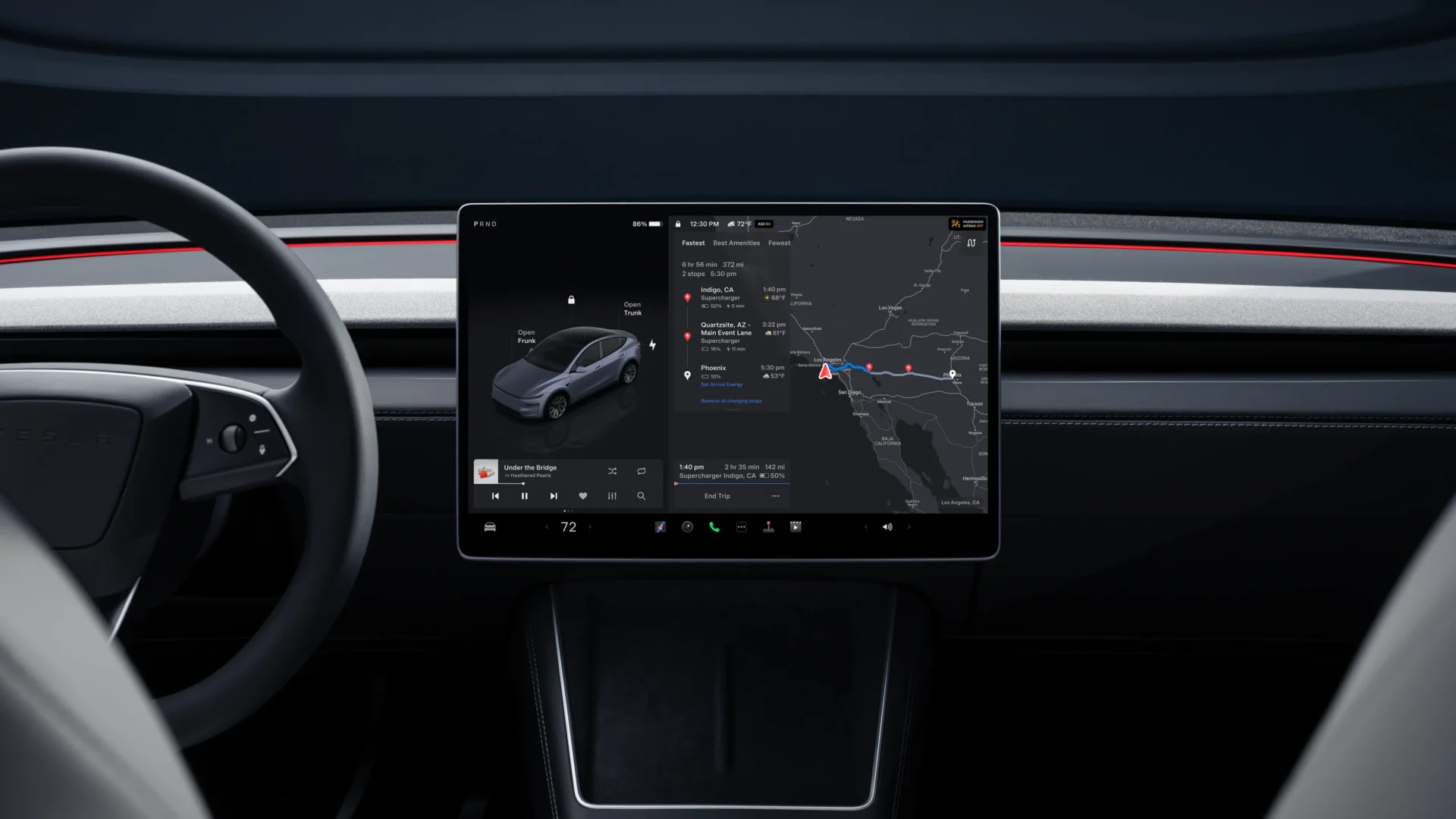

Tesla’s 2026.2.6 software update is now rolling out to an initial slice of the fleet, reaching roughly 1% of vehicles as part of the wider 2026.2 branch. The main headline is Grok with Navigation Commands in Europe, backed by a set of safety and usability tweaks tied to recent 2026.2 builds.
This release builds on earlier 2026.2 updates that have already gone to a large share of cars worldwide, particularly 2026.2.3. That earlier build laid the groundwork with features like the new charge cable release and Child Left Alone Detection, while 2026.2.6 adds Grok Navigation Commands on top.
Grok with Navigation Commands
The standout feature is “Grok with Navigation Commands (Beta).” Grok is an intelligent assistant built by xAI that responds to natural speech rather than fixed voice phrases. Drivers can pick Grok’s voice and personality, with options ranging from “Storyteller” to “Unhinged,” depending on preference.
Grok can add and edit navigation destinations, turning spoken requests into routes on the in‑car map. You can ask it to “navigate to the best Thai restaurant near you,” “find a Supercharger within walking distance of a coffee shop,” or “plan a romantic sightseeing tour,” and it will handle search and route planning. For this feature, Premium Connectivity or a Wi‑Fi connection is required because the assistant relies on online services.
To start Grok, drivers can open it from App Launcher > Grok on the center screen or long‑press the steering‑wheel voice button after signing in to Grok. Navigation Commands need the personality set to “Assistant.” For now, Grok is in early Beta and does not handle voice commands for vehicle controls beyond navigation, so standard Tesla voice commands still cover climate, media, and similar functions.
Hardware, regions, and extra tweaks
Grok support is limited to vehicles running AMD Ryzen infotainment hardware, which includes newer Model 3, Model Y, Model S, Model X, and Cybertruck. Owners with older Intel‑based systems remain on the existing voice platform. Early reports show Grok going live across key European markets on this build, bringing the assistant beyond its earlier North American focus.
From the 2026.2.3 branch, 2026.2.6 continues several practical additions. Unlatching Charge Cable lets drivers stop charging and release the cable by pulling and holding the rear left door handle for three seconds, as long as the car is unlocked or a recognized key is nearby. This is handy when the cable unlatch button fails or a third‑party adapter sticks in the port, and it sits beside the usual release options on the touchscreen and in the Tesla app.
Another safety‑oriented change is Child Left Alone Detection. If the car detects an unattended child, it flashes the exterior lights, sounds an alert tone, and sends a notification to the owner’s Tesla app at regular intervals until someone returns to the vehicle. Tesla says cabin data for this feature stays on the car and is not sent back to the company. The feature is on by default, and owners can switch it off under Controls > Safety > Child Left Alone Detection.
The 2026.2 line also brings a small interface change: map version information in the Software menu now lists just the region and version, such as “NA‑2025.44,” instead of a longer build string. In Service Mode, new “Trip Weights” and “AP Weights” entries under Autopilot give more diagnostic detail on neural network weights in use, though these are aimed at technicians and advanced users.
Official Tesla release notes for 2026.2.6
Grok with Navigation Commands (Beta)
“You can now talk to Grok, an intelligent assistant built by xAI. You can choose Grok’s voice and personality, ranging from Storyteller to Unhinged.
Grok can add and edit navigation destinations, becoming your personal guide. You can ask Grok to navigate to the best Thai restaurant near you, find a Supercharger within walking distance of a coffee shop, or even plan a romantic sightseeing tour. Requires Premium Connectivity or a WiFi connection. Conversations are anonymous to Tesla and not associated with your vehicle.
To launch Grok, go to App Launcher > Grok, or long-press the voice button on your steering wheel after you have logged in to Grok. Set Grok’s personality to Assistant to use Navigation Commands.
Note: Grok is currently in early Beta and does not support voice commands for car controls other than navigation. Existing voice commands remain unchanged.”
Unlatching Charge Cable
“Charging can now be stopped and the charge cable released by pulling and holding the rear left door handle for 3 seconds, provided the vehicle is unlocked or a recognized key is nearby. This is especially useful when the charge cable unlatch button does not work or a charging adapter is stuck in the charge port. You can still release the cable using the vehicle touchscreen or the Tesla app.”
Child Left Alone Detection
“If an unattended child is detected, the vehicle will flash the exterior indicator lights, play an alert tone, and send a notification to your Tesla app. This will repeat at regular intervals until you return to your vehicle. Cabin data is processed locally and is not transmitted to Tesla.
This feature is enabled by default. To disable, go to Controls > Safety > Child Left Alone Detection.”
Minor Fixes
“This release contains minor bug fixes and improvements.”
We’ve launched an official Tesla Owners Online Forum. Join early and claim your "Founding Fuel" badge.