Automatic Collision Evasion
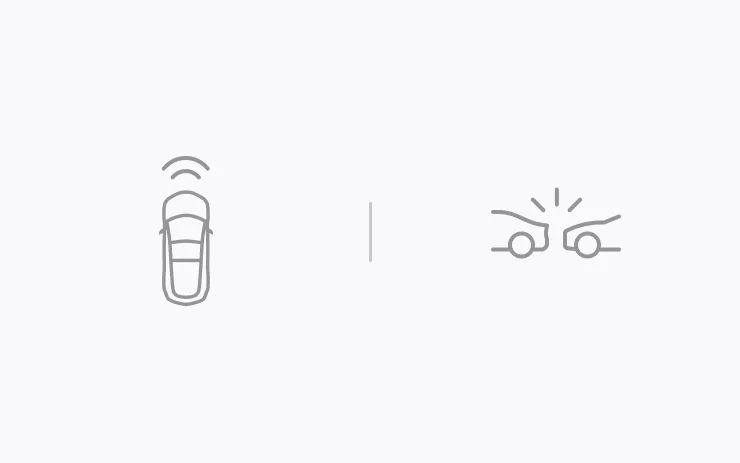
Automatic Collision Evasion activates Full Self-Driving (Supervised) to try to keep your vehicle safe and then continue driving. It can engage while you are driving manually and detects that you are not sufficiently attentive to the road (for example, reaching toward the back seat), and that Full Self-Driving (Supervised) may have been unintentionally disengaged.
See your Owner’s Manual for more details.
Available for: Model S (Refresh), Model 3, Model Y, Cybertruck, Model X (Refresh)
FSD (Supervised) v14.3.13
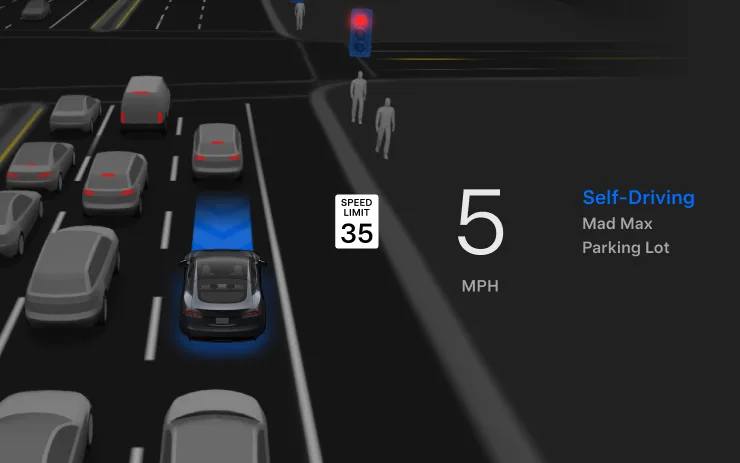
Full Self-Driving (Supervised) v14.3.13 includes:
– Upgraded the Reinforcement Learning (RL) stage of training the FSD neural network, resulting in improvements in a wide variety of driving scenarios.
– Upgraded the neural network vision encoder, improving understanding in rare and low-visibility scenarios, strengthening 3D geometry understanding, and expanding traffic sign understanding.
– Rewrote the AI compiler and runtime from the ground up with MLIR, resulting in 20% faster reaction time and improving model iteration speed.
– Mitigated unnecessary lane biasing and minor tailgating behaviors.
– Increased decisiveness of parking spot selection and maneuvering.
– Improved parking location pin prediction, now shown on a map with a P icon.
– Enhanced response to emergency vehicles, school buses, right-of-way violators, and other rare vehicles.
– Improved handling of small animals by focusing RL training on harder examples and adding rewards for better proactive safety.
– Improved traffic light handling at complex intersections with compound lights, curved roads, and yellow light stopping — driven by training on hard RL examples sourced from the Tesla fleet.
– Improved handling for rare and unusual objects extending, hanging, or leaning into the vehicle path by sourcing infrequent events from the fleet.
– Improved handling of temporary system degradations by maintaining control and automatically recovering without driver intervention, reducing unnecessary disengagements.
– Improved driver monitoring system sensitivity with better eye gaze tracking, eye wear handling, and higher accuracy in variable lighting conditions.
– Unified the model between Actually Smart Summon, FSD, and Robotaxi for more capable and reliable behavior.
– Actually Smart Summon max speed is now increased to 8mph (13km/h).
– Help Tesla improve Self-Driving by selecting an intervention reason on the main screen after taking over.
– You can now see distance traveled in FSD (Supervised) without an intervention. The Self-Driving App will also show your longest intervention-free streak.
– Parking options now display on the map when arriving at your destination.
Upcoming Improvements:
– Expand reasoning to all behaviors beyond destination handling.
– Add pothole avoidance.
Available for: Model S (Refresh), Model 3, Model Y, Cybertruck, Model X (Refresh)
Full Self-Driving (Supervised)
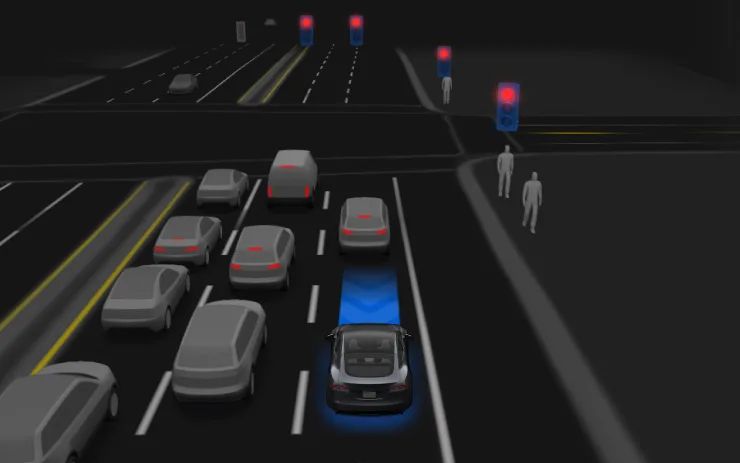
Under your supervision, Full Self-Driving (Supervised) can drive your Tesla almost anywhere. It will start from a parked position, make lane changes, select forks to follow your navigation route, navigate around other vehicles and objects, make left and right turns and park at your destination. You and anyone you authorize must use additional caution and remain attentive. It does not make your vehicle autonomous. Do not become complacent.
Full Self-Driving (Supervised) is enabled on your vehicle. To use the feature, press the Start Self-Driving button on the UI, or press the right scroll wheel button once. You can disable Full Self-Driving (Supervised) in Self-Driving Settings.
Available for: Model S (Refresh), Model 3, Model Y, Cybertruck, Model X (Refresh)
Security Improvements

This update includes important security fixes and improvements.
Available for: Model S (Refresh), Model 3, Model Y, Cybertruck, Model X (Refresh)
Apple Music
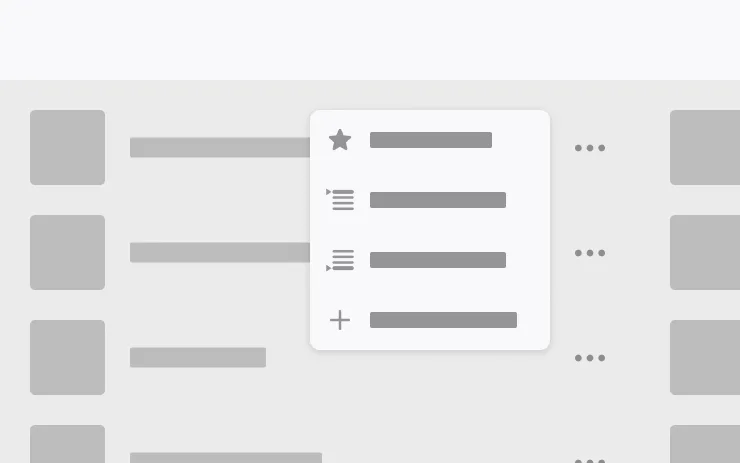
Add songs to your Apple Music queue directly from Search results and Artist pages. Tap and hold a song, or tap the three-dot menu to play next, add to queue, save to your library, or mark as a favorite. Requires an active Apple Music subscription.
Available for: Model X (Refresh), Model Y, Model S (Refresh), Model 3, Cybertruck
Automatic Navigation
Automatic Navigation now adapts to your routine. In addition to Home, Work, and upcoming calendar events, your vehicle can now suggest and route to the places you visit regularly, like a school drop-off on the way to work, when Destination Suggestions are enabled. Location data is anonymous to Tesla and not associated with your vehicle.
Available for: Model X (Refresh), Model Y, Model S (Refresh), Model 3
Camera Preview

You can now open Camera Preview at any time, even if your Tesla is not in Park.
Go to Controls > Service > Camera Preview and tap on any camera view to see it individually. Tap the grid button to switch back to all cameras.
Available for: Model X (Refresh), Model Y, Model S (Refresh), Model 3
Caraoke with Scoring
Caraoke now scores your singing while in Park. Earn stars and track your high scores in the My Karaoke tab. On the rear display, tap the queue button to show a QR code for passengers to scan and add songs to the queue from their phones. Requires Premium Connectivity.
Available for: Model X (Refresh), Model Y, Model S (Refresh), Model 3
Custom Wraps
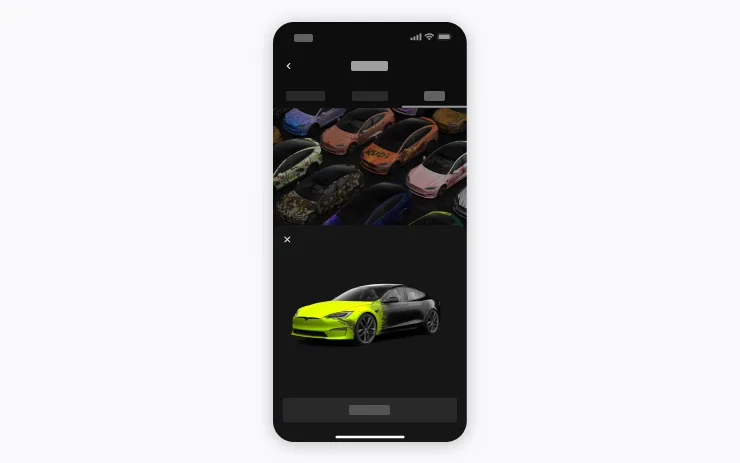
Use the Mobile App to upload custom wrap designs from images on your phone and send directly to your Tesla. Go to Creations > Wrap > Upload. Requires Mobile App v4.59.0 or later.
To access in car, go to App Launcher > Toybox > Paint Shop.
Available for: Model X (Refresh), Model Y, Model S (Refresh), Model 3
Driving Visualization
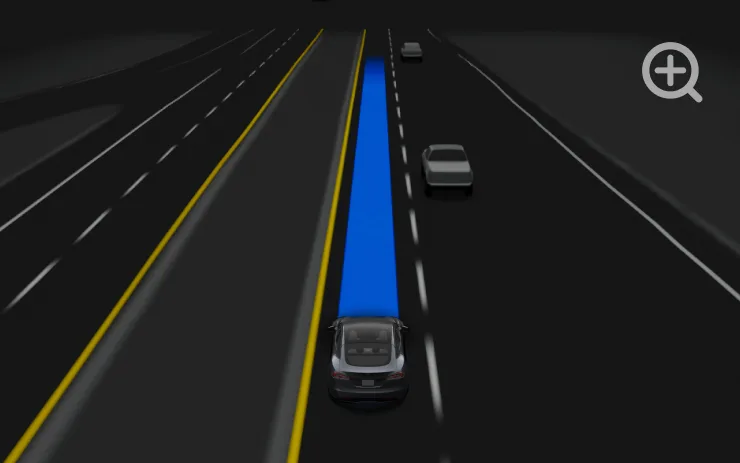
Customize your Self-Driving zoom preference. Select desired zoom level in Controls > Self-Driving > Visualization Camera Zoom.
Available for: Model X (Refresh), Model Y, Model S (Refresh), Model 3
Dynamic Headlight Leveling

Low beams will automatically adjust their aim based on driving conditions and nearby traffic to maximize your visibility while reducing glare for other road users.
Available for: Model S (Refresh), Model 3, Model Y, Cybertruck, Model X (Refresh)
Emergency Drive Away
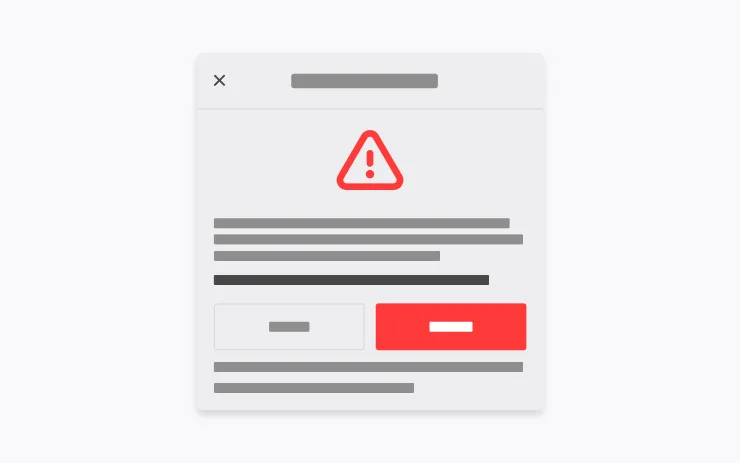
Emergency Drive Away lets you shift into Drive while a Supercharger cable is still connected. Use it only in an emergency: driving away with the cable attached will damage your vehicle and the Supercharger, and you may be responsible for repair costs. When you activate this feature, short recordings from your vehicle’s cameras are shared with Tesla.
Available for: Model S (Refresh), Model Y, Model 3, Cybertruck, Model X (Refresh)
Estimated Range

Your estimated battery range now incorporates additional characteristics related to battery aging over time.
Available for: Model Y, Model 3
Grok Commands

Grok can now make phone calls, play music, adjust climate, and search the Controls panel. Ask Grok about your Tesla or what was included in the latest software update.
Go to Grok > Settings to enable or disable “Hey Grok” and location-based reminders. Requires Premium Connectivity or a WiFi connection. Conversations are anonymous to Tesla and not associated with your vehicle.
Available for: Model X (Refresh), Model Y, Model S (Refresh), Model 3
Halloween Mode
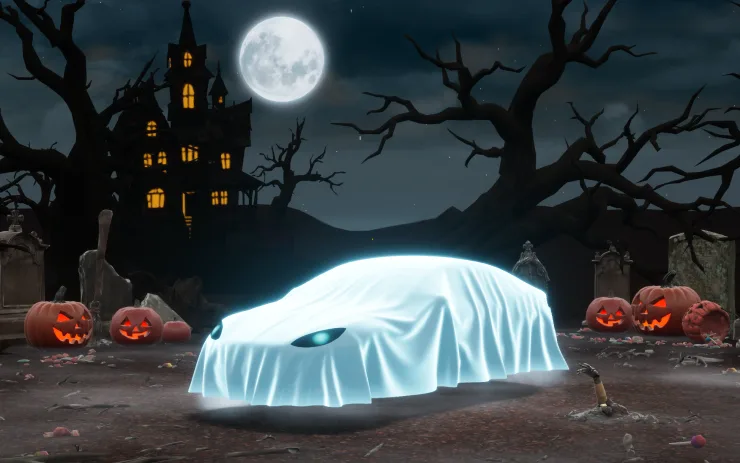
Spread holiday fear year round with Halloween Mode. Put a Ghost Costume on your car visualization. Turn on Trick or Treat Mode to play spooky sounds and flicker the lights when visitors approach. Schedule a haunting light show, and turn your car into a chilling Photobooth!
Available for: Model S (Refresh), Model 3, Model Y, Cybertruck, Model X (Refresh)
Powershare with Powerwall
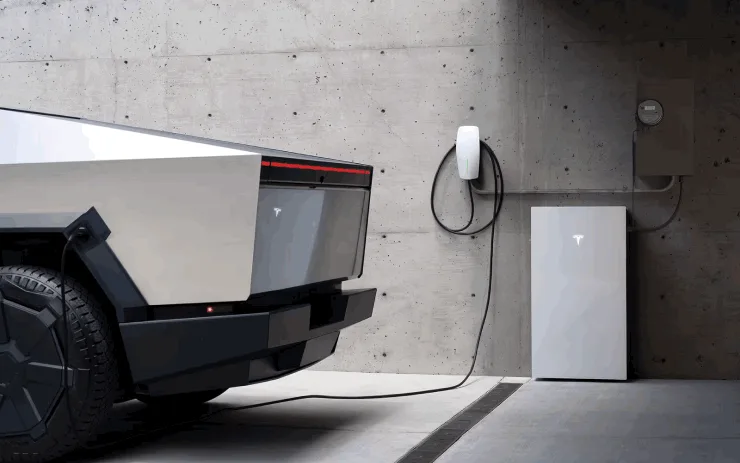
Powershare Home Backup with Powerwall keeps your home powered longer during an outage. When parked and plugged in, your vehicle now backs up your home alongside your Powerwall, down to the discharge limit you set. Requires a compatible Powerwall and a compatible Wall Connector. Enable in Charging > Powershare.
Available for: Cybertruck, Model Y
Preferred Routes
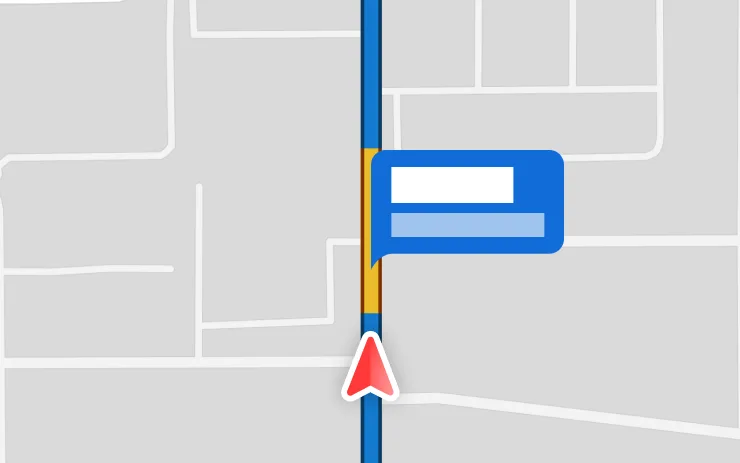
Navigation now prioritizes routes that you’ve taken before. Location data is anonymous to Tesla and not associated with your vehicle.
Available for: Model X (Refresh), Model Y, Model S (Refresh)
Rear Display

Disable rear touchscreen controls from the center display by going to App Launcher > Rear > Lock Rear Display. Content selected from the center display will continue to play in the rear.
Available for: Model X (Refresh), Model Y, Model S (Refresh), Model 3
Self-Driving Stats
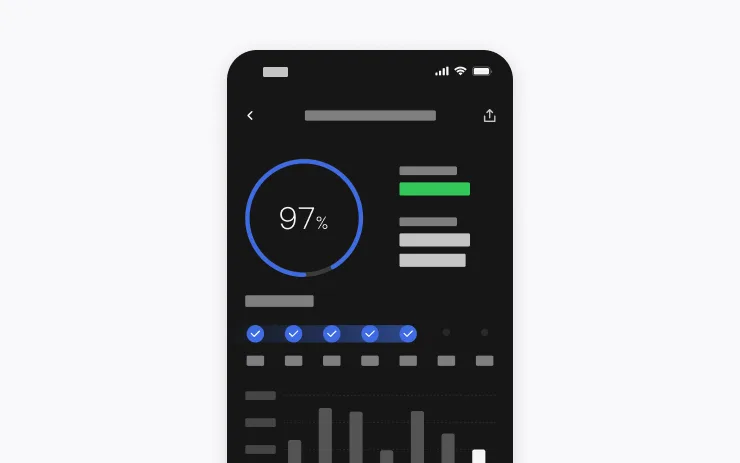
You can now view and share Self-Driving stats from your phone. Go to Mobile App > Self-Driving. Requires Mobile App v4.59.0 or later.
Available for: Model X (Refresh), Model Y, Model S (Refresh), Model 3
Set Arrival Energy
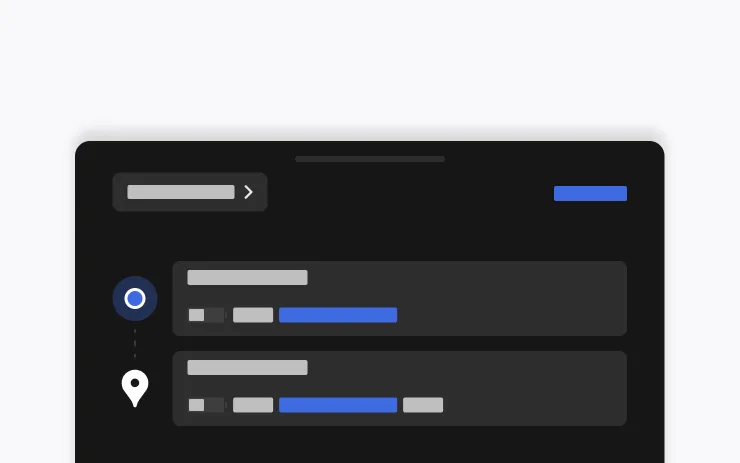
Set your desired Arrival Energy for any trip from your phone. Open the location tab in the Tesla Mobile App, enter your destination, and tap Set Arrival Energy. Requires Mobile App v4.58.0 or later.
Available for: Model X (Refresh), Model Y, Model S (Refresh), Model 3, Cybertruck
Summer Update
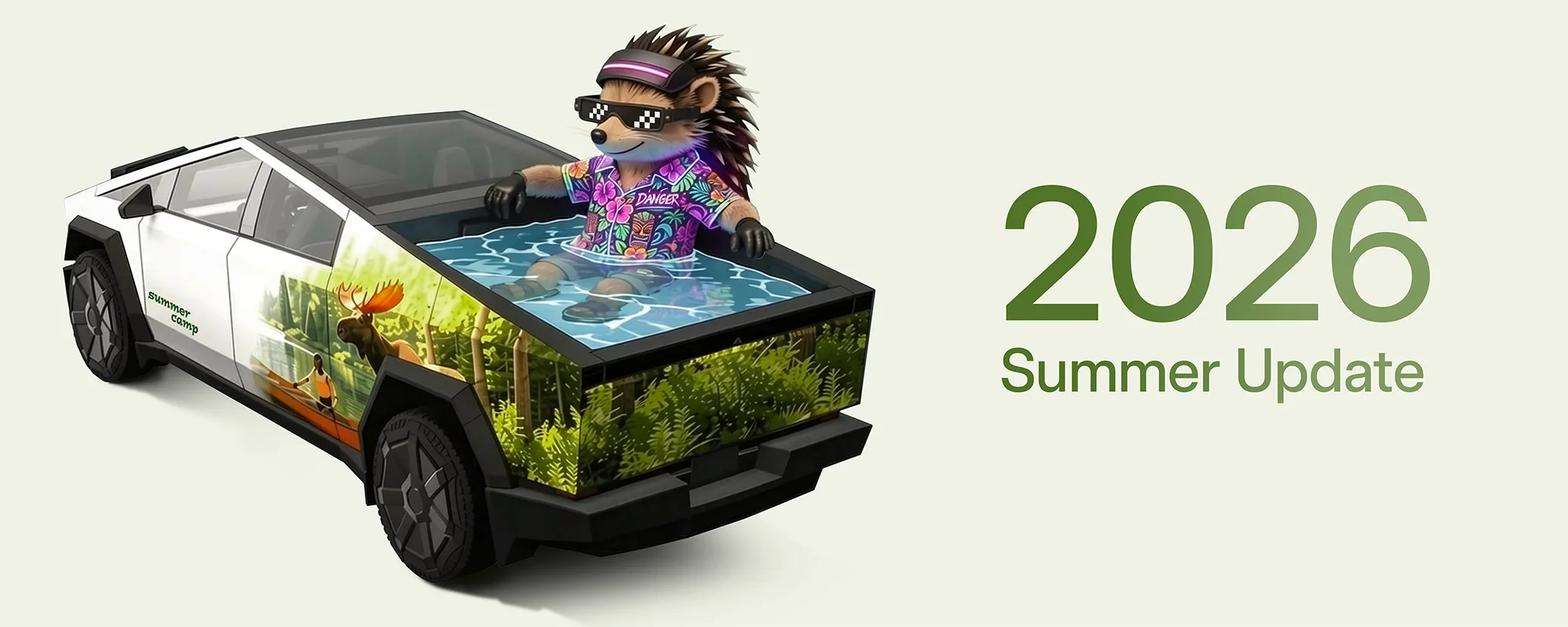
Swipe up to see your new features in the 2026 Summer Update.
Available for: Model X (Refresh), Model Y, Model S (Refresh), Model 3
Supercharger Search
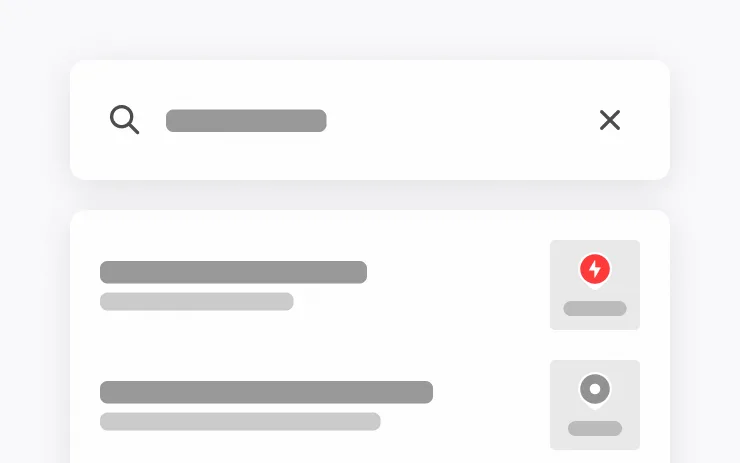
You can now find Superchargers by name when searching for a destination.
Available for: Model X (Refresh), Model Y, Model S (Refresh), Model 3
Traction Control Modes

Choose from three updated traction control modes: Auto for normal driving conditions, Slippery Surface for icy or wet roads, or Stuck Assist when stuck in snow, mud, or sand. The mode resets to Auto at the start of each drive. To select, go to Controls > Dynamics > Traction Control Mode.
Available for: Model 3
Visual Updates
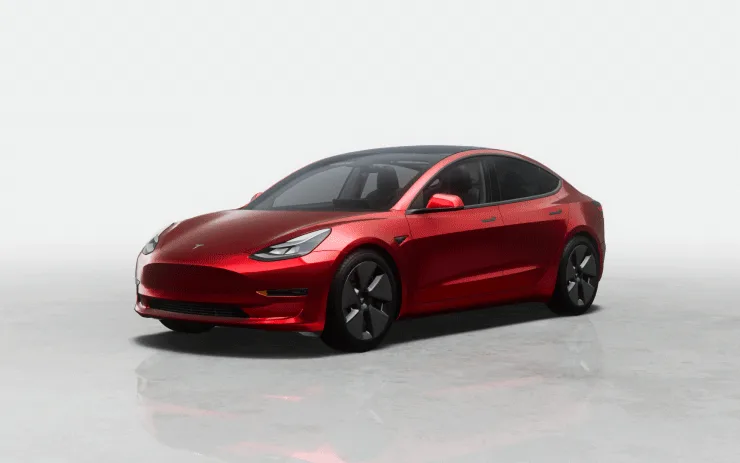
The center display now features higher quality images of your Tesla, and an enhanced park scene environment.
Available for: Model Y
Web Browser
You can now use your Tesla’s interior camera and cabin microphone in Web Browser. Tap to grant permissions when a website requests access. Camera is only available while parked.
Available for: Model X (Refresh), Model Y, Model S (Refresh), Model 3
Welcome Animation
Your Tesla now welcomes you with animations when turning on.
Available for: Model Y, Model 3
Wheel Selection

Choose from new wheel options to customize the appearance of your Tesla.
Available for: Model S (Refresh), Model 3, Model Y, Model X (Refresh), Cybertruck
We’ve launched an official Tesla Owners Online Forum. Join early and claim your "Founding Fuel" badge.