FSD (Supervised)
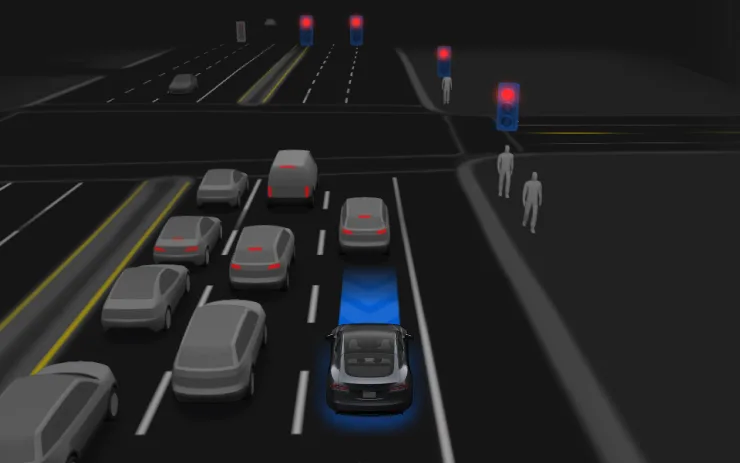
Under your supervision, FSD (Supervised) can drive your Tesla almost anywhere. It will start from a parked position, make lane changes, select forks to follow your navigation route, navigate around other vehicles and objects, make left and right turns and stop at your destination. You and anyone you authorize must use additional caution and remain attentive. It does not make your vehicle autonomous. Do not become complacent.
FSD (Supervised) is enabled on your vehicle. To use the feature, first watch the tutorial and take the quiz, available in the new Self-Driving App or in Control > Self-Driving. Then press the Start FSD (Supervised) button on the UI, or press the right scroll wheel button once. You can disable FSD (Supervised) in Self-Driving Settings.
Available for: Model Y, Model 3, Model X (Refresh)
Apple Music
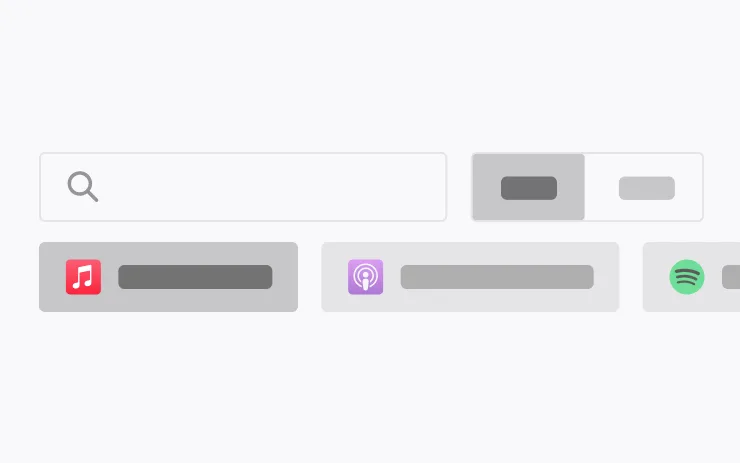
Go to Search, select Apple Music, then tap Library to find the songs, albums, and playlists you’ve added
Available for: Model Y, Model 3, Model X (Refresh)
Security Improvements

This update includes important security fixes and improvements.
Available for: Model Y, Model 3, Model X (Refresh)
Wheel Selection

Choose from new wheel options to customize the appearance of your Tesla.
Available for: Model Y, Model 3, Model X (Refresh)
We’ve launched an official Tesla Owners Online Forum. Join early and claim your "Founding Fuel" badge.