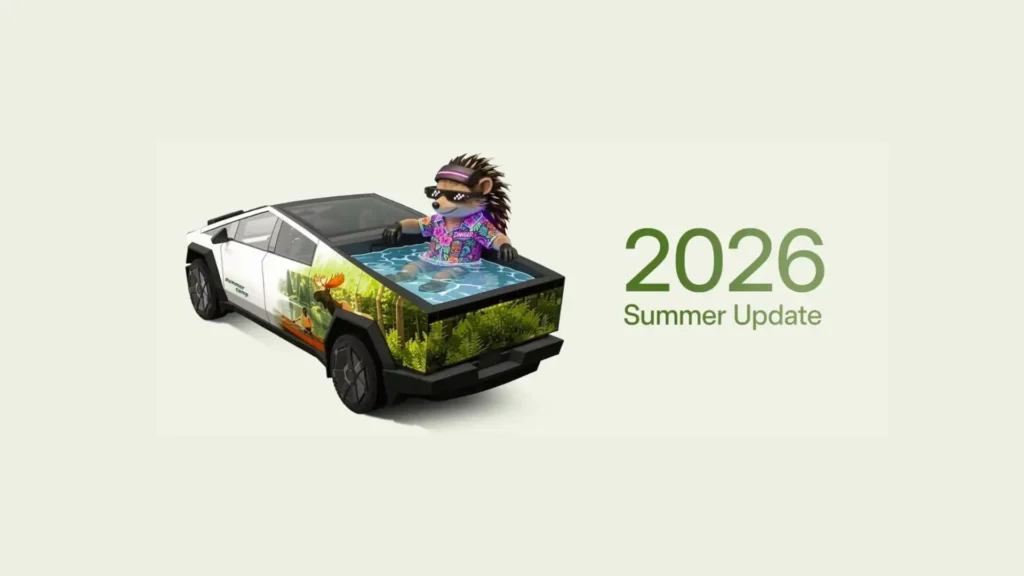
Tesla has revealed its Summer 2026 software update, and the changelog spreads across the assistant, the navigation system, and the mobile app. The company says the release is rolling out shortly. It touches on how drivers talk to the car, how the car routes them around, and how families share the back seat screen, and it lands at a point when Tesla has been leaning harder on its Grok assistant as a selling point for the fleet.
Here’s what’s new:
More Grok Commands
Grok can now place phone calls, search for and play music, adjust the climate settings, and open the glovebox, all from voice command. Drivers can also ask Grok questions about their own car, so a quick voice prompt can now stand in for digging through menus. The assistant has moved past basic chat and into tasks that used to need a tap on the screen.
Self-Driving Stats in Mobile App

Owners can now pull up their Self-Driving stats right from their phone, and share them from there too. Before this update, checking that data meant sitting in the car and going through the display. Now a driver can send those numbers to a friend or post them without leaving the driveway.
Caraoke with Scoring

Caraoke now grades the driver’s singing while the car sits in Park, and high scores get saved to the owner’s Tesla profile. It is a small addition, and a playful one, but it gives the karaoke feature a reason to come back to, since a score can always be beaten.
Automatic Navigation

Automatic Navigation has grown past Home, Work, and calendar events. The system now picks up on places a driver visits often, a school drop-off on the way to work or a gym stop on the way home, and starts suggesting routes to them on its own. Tesla built the feature to learn from actual driving habits instead of asking owners to set every destination by hand.
Preferred Routes
Navigation now leans toward roads a driver has already taken before, rather than always picking the fastest option on paper. Two drivers heading to the same address can end up with two different routes, based on what each one drives most.
Set Arrival Energy from Mobile App

Drivers can now set their Arrival Energy target from their phone instead of the car’s screen.
Send custom wraps from the mobile app

Owners no longer need a USB drive to load a custom wrap onto their car. The update lets them upload a wrap straight from the mobile app. Tesla has posted instructions for building a custom wrap on GitHub, at github.com/teslamotors/custom-wraps, for anyone who wants to design their own instead of picking from the presets.
Rear display lock

A new Rear Display Lock lets kids watch content on the back screen without giving them control over it. Only the front row can operate the rear screen app, so parents can start a show and hand a tablet-like screen to a child without handing over the controls too.
Other improvements
- Find Superchargers by name when searching for a destination
- Add Apple Music songs to queue from search and artist page
- Set your preferred zoom level for the Self-Driving visualization
- Browser now supports camera and microphone
- Intro animations for new Model 3 and Y
Tesla has not given an exact date for when the update reaches vehicles. Past rollouts have reached cars in batches over several weeks, so owners may see the features appear on different days depending on their region and hardware.
We’ve launched an official Tesla Owners Online Forum. Join early and claim your "Founding Fuel" badge.