Automatic HOV Lanes Routing changes how Tesla navigation handles High Occupancy Vehicle lanes during a trip. Instead of relying only on a manual toggle, the car now decides when to use these lanes based on eligibility rules.
With this feature, the car checks conditions in the background as a route is active. And it then chooses to include or skip HOV segments based on those conditions.
How Tesla used to handle HOV lanes
Before the 2025 Holiday Update, Tesla owners had a simple setting: “Use HOV Lanes” on or off. When it was on, the route could include HOV segments regardless of who was in the car. When it was off, navigation ignored those lanes.
This approach created two common problems. Drivers sometimes forgot to switch the setting when passengers got in, and they missed quicker routes. At other times, they left it on while driving alone and risked entering restricted lanes that required more than one occupant.
How automatic HOV lanes routing works
The new option adds an “Auto” behavior for HOV routing in supported regions. When Auto is active, the car uses several signals to decide if it should include carpool lanes as part of the route.
- Passenger presence: The system uses interior sensors, including the cabin camera and seat sensors, to estimate how many people are in the car.
- Time schedule: It checks the current time against local HOV schedules, since some carpool lanes are restricted only during set hours.
- Location rules: It reads the mapped rules for the road segment so it only considers lanes that are marked as HOV-eligible for routing.
- Other restrictions: It can factor in regional rules, such as special access for certain vehicle types where supported data exists.
Once those checks pass, navigation adds HOV segments to the route. If the conditions are not met, it keeps the car in general-purpose lanes. This logic updates during the trip, so route choices can change if conditions change.
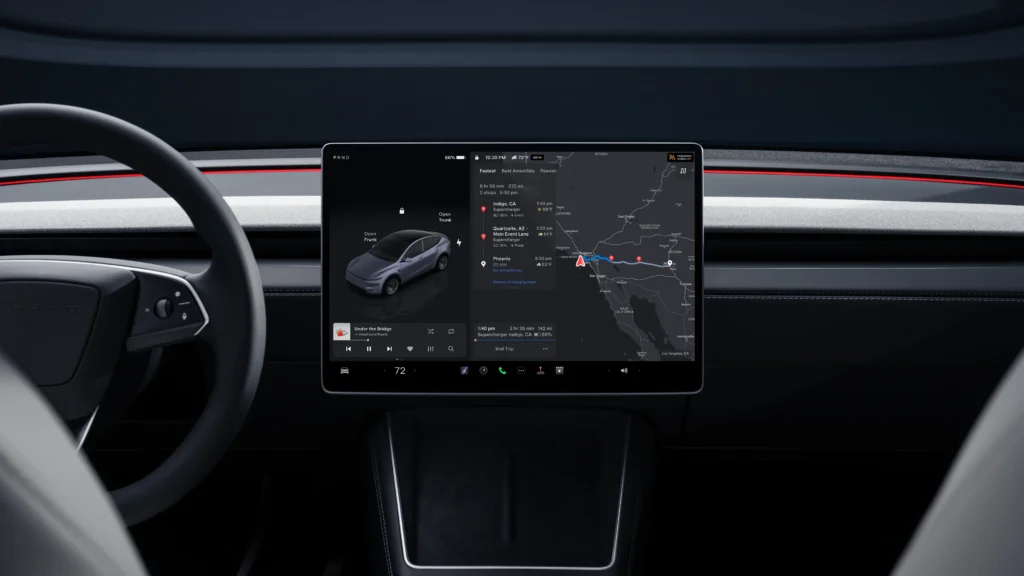
Tesla drivers can control this option from the center screen.
- Open Controls on the main display.
- Go to the Navigation section.
- Find the “Use HOV Lanes” setting.
- Choose Auto to let the system manage eligibility, or Yes to force HOV use when available.
This keeps driver choice at the center while still giving an automated option. And owners can switch back to a fixed setting if they prefer consistent behavior.
Automatic HOV Lanes Routing is part of the broader 2025 Holiday Update, identified as version 2025.44.25.1 and related minor builds. The rollout is staged, so some cars receive it earlier than others. Regions with mapped HOV lane data benefit first, since the feature depends on accurate lane labeling and schedule information.
Support can vary by vehicle hardware as well. Some navigation and interface changes in this update are limited to models with the AMD-based infotainment platform, though Tesla still lists HOV Auto routing in general release notes across the fleet.
HOV lanes can save time during heavy traffic, yet they carry real penalties for misuse. Automatic HOV Lanes Routing aims to reduce user error by linking navigation logic to actual eligibility rather than a fixed setting. For many commuters, this can turn into small but regular time savings on routes that include carpool segments.
You may also like to read:
- Tesla moves toward native satellite links with new roof design »
- Tesla charging passport to decide lifetime supercharging winners »
- Tesla rolls out 2025 holiday software update »
We’ve launched an official Tesla Owners Online Forum. Join early and claim your "Founding Fuel" badge.